A Developer's Guide to Secure Authentication: Bcrypt & JWTs in 2026
Hashing vs. Encrypting
The most common mistake junior developers make when building authentication systems is confusing hashing with encryption.
- Encryption is a two-way street. You encrypt a message using a key, and someone with the key can decrypt it back into the original message. (e.g., AES-256).
- Hashing is a one-way street. You take a password, scramble it using a mathematical algorithm, and store the result. You can never reverse the hash to get the original password.
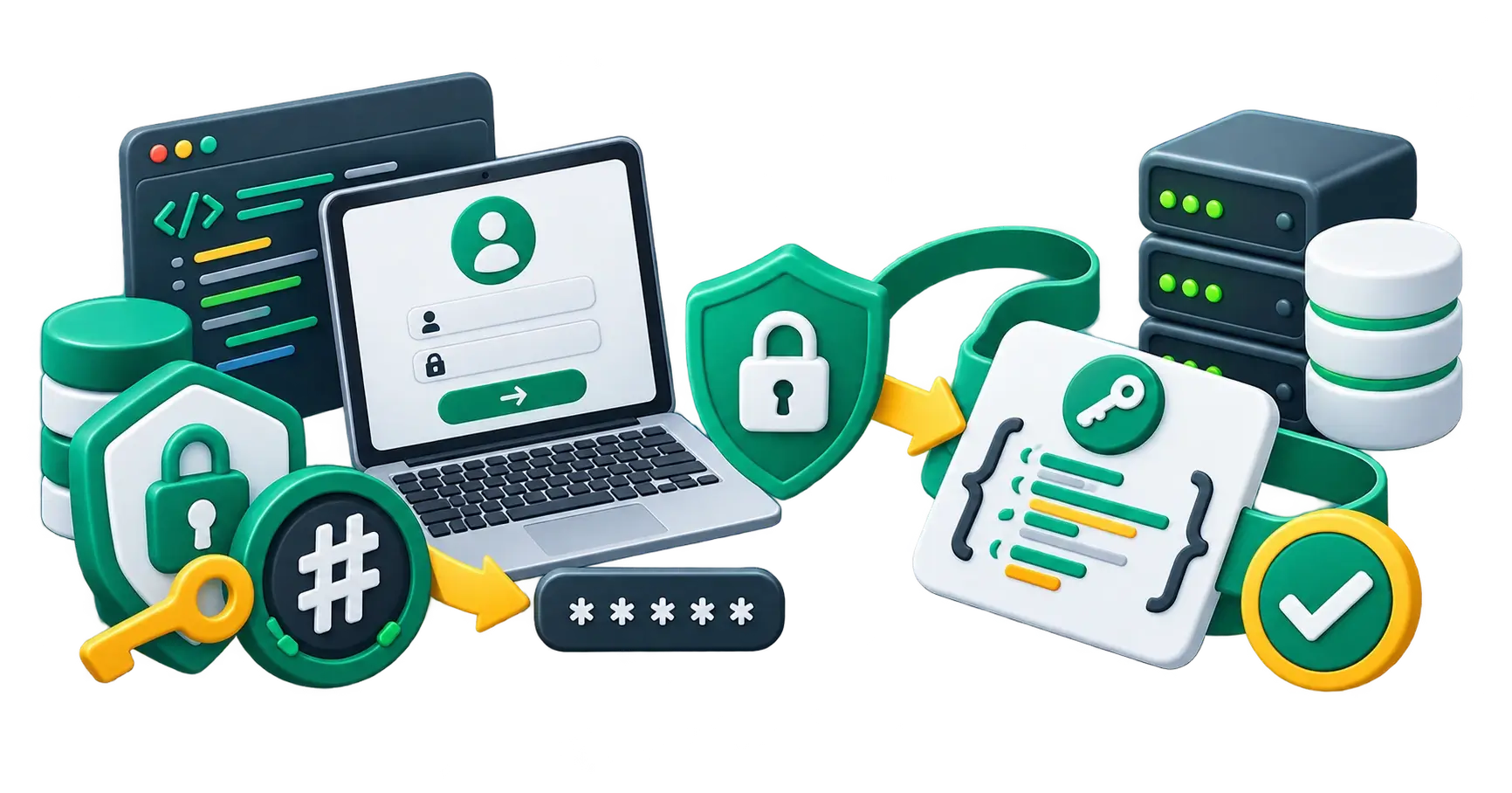
When a user logs in, you hash the password they typed and compare it to the hash in the database. If they match, the password is correct.
Why is bcrypt the gold standard?
Even within hashing algorithms, not all are created equal. Algorithms like MD5 or SHA-256 are designed to be extremely fast. However, for password hashing, fast is bad.
If an attacker steals your database, they will use massive computing power to guess millions of passwords per second against your fast hashes (a brute-force attack).
Bcrypt is intentionally slow. It includes a "work factor" (salt rounds) that lets you increase the time required to generate a hash as hardware gets faster.
Need to test a hash or generate a dummy password for a database seed? Use our Bcrypt Generator to create secure, variable-round hashes instantly.
Handling Sessions with JSON Web Tokens (JWT)
Once a user authenticates with their Bcrypt-hashed password, you need to keep them logged in across requests. In modern stateless APIs and Single Page Applications (SPAs), JSON Web Tokens (JWT) are the standard mechanism.
A JWT consists of three parts separated by dots: Header.Payload.Signature.
The Security Caveat
The most important thing to understand about JWTs is that the Payload is encoded, not encrypted. Anyone who intercepts a JWT can easily decode the middle section and read the data inside.
Therefore, you should never put sensitive information (like passwords, SSNs, or credit card numbers) inside a JWT payload. It should only contain non-sensitive identifiers like a User ID or Role.
When debugging your API, you often need to inspect a token's contents to confirm the claims are correct. You can paste your token into the CampaignMorph JWT Decoder to instantly parse the header and payload data without sending your token to an external server.
Related Security Tools
- Password Generator: Create cryptographically secure random passwords.
- Base64 Converter: Safely encode and decode basic authentication headers.
Share this article
Help other marketers, developers, and creators discover these insights.