CMYK to RGB Conversion Guide for Marketers
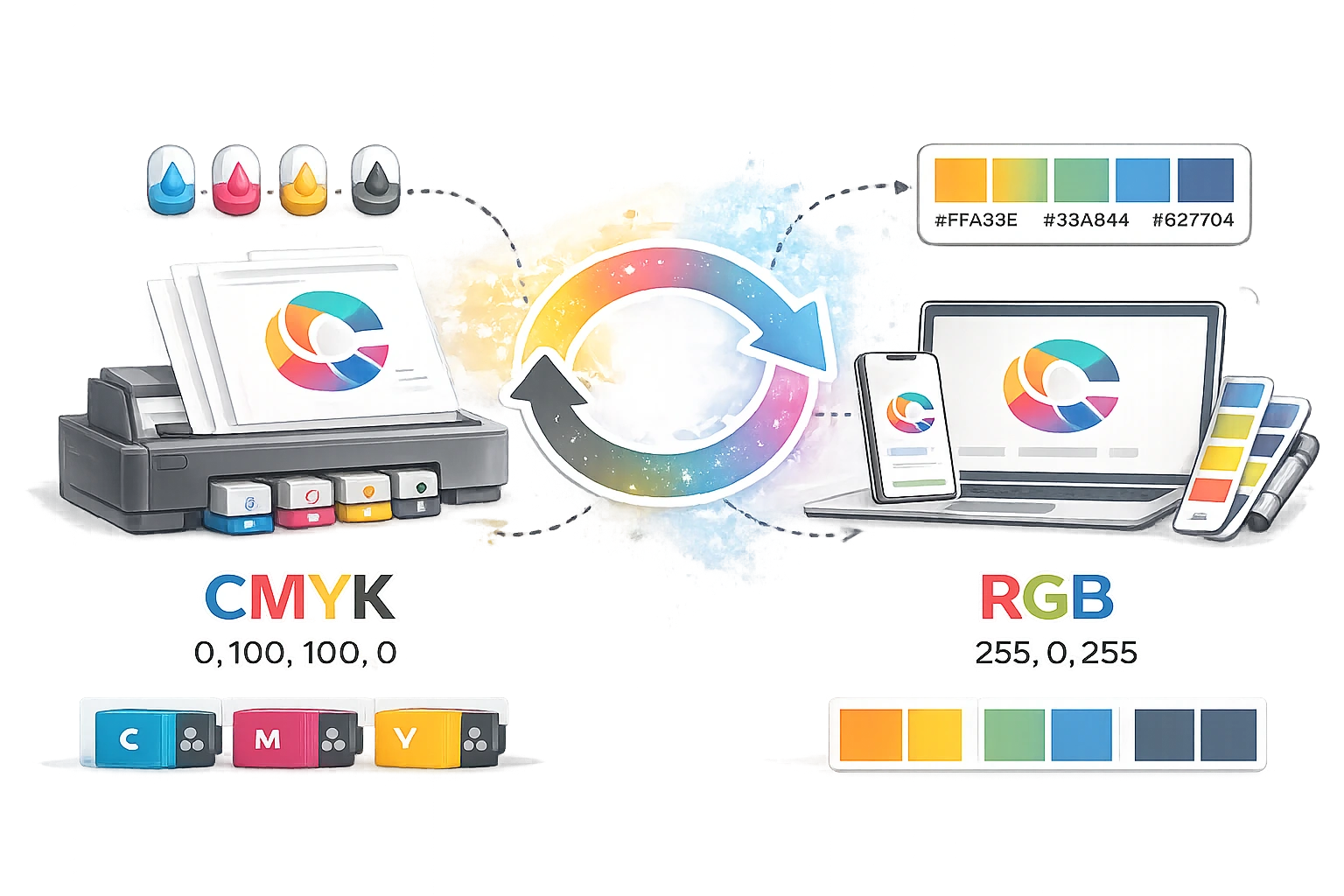
The Colour Shift Dilemma
Every seasoned designer and brand manager has experienced the sinking feeling of the "colour shift." A beautifully crafted brochure, featuring deep, rich branding, is digitised for a website or social media campaign. But when viewed on a monitor, the vibrant reds look muted, the crisp blues appear neon, and the blacks turn into a muddy dark grey. This frustrating scenario is the direct result of a failed print-to-digital colour conversion.
Bridging the gap between the physical printing press and the digital screen requires a fundamental understanding of colour science. Transitioning assets from print campaigns to digital ecosystems is a daily reality for modern marketing teams, making CMYK-to-RGB conversion a mandatory technical skill. This comprehensive guide explains the differences between these critical colour spaces, why conversions often fail, and how to achieve flawless digital reproductions every time.
Understanding the Core Difference: CMYK vs RGB
To understand why colour format conversion is so challenging, we must look at how colour is physically produced in both media.
CMYK (Subtractive Colour)
CMYK stands for Cyan, Magenta, Yellow, and Key (Black). It is the standard colour model used in offset and digital printing. It is a subtractive process: it starts with a white piece of paper, and ink is added to subtract (absorb) the light bouncing off the page. The more ink you add, the darker the result. Mixing all colours produces black.
RGB (Additive Colour)
RGB stands for Red, Green, and Blue. This model is used in digital screens, smartphones, and televisions. It is an additive process: it starts with a black screen, and light is added via pixels. The more light you add, the brighter the result. Mixing all colours at full intensity produces pure white.
Why Print-to-Digital Conversion Often Fails
Directly exporting a CMYK file for digital use frequently results in highly inaccurate, unappealing colours. This happens for several technical reasons:
- Gamut Differences: A "colour gamut" is the total range of colours a specific device can produce. The RGB gamut is significantly larger than the CMYK gamut. Screens can produce vibrant, luminescent neon colours that physical ink simply cannot replicate. Conversely, when converting CMYK files back to RGB, standard design software often struggles to mathematically remap the restricted ink values to the full range of bright pixel values, resulting in dullness.
- Rich Black Issues: In CMYK, true, deep black (Rich Black) requires a mixture of multiple inks (e.g., C:60, M:40, Y:40, K:100). In RGB, absolute black is simply R:0, G:0, B:0. Improper conversion often turns CMYK black into an unappealing dark grey on screens.
- Colour Profiles: Different devices use different ICC colour profiles (like SWOP for print and sRGB for web). Ignoring these profiles during conversion leads to drastic shifts in hue and saturation.
The Conversion Workflow and Quality Control
A professional print-to-digital workflow requires more than just changing a dropdown menu in a design tool. It requires careful mapping.
1. Use the Right Tools
While heavy-duty design software handles complex profile conversions, marketers often need a fast, reliable, and mathematically accurate way to convert specific hex or colour values without having to boot up resource-intensive applications. For this, utilise the CampaignMorph Colour Converters. This suite allows you to input your exact CMYK values and instantly retrieve the closest web-safe RGB and HEX equivalents, taking the guesswork out of translating brand guidelines for CSS implementation.
2. Standardise to sRGB
When converting for web use, always target the sRGB colour profile. While Adobe RGB or Display P3 offer wider colour ranges, sRGB is the universal standard for web browsers. If you save an image in Adobe RGB, it may look stunning on your professional monitor, but it will look completely washed out on a standard user's smartphone or an older browser.
3. Test Across Environments
Monitors vary wildly in their colour calibration. A converted RGB file might look perfect on an Apple Retina display but appear overly saturated on an inexpensive office monitor. Always test your converted digital assets across multiple devices (an iPhone, an Android device, a standard laptop screen) and various web browsers to ensure visual consistency.
Common Conversion Problems and Fixes
| The Problem | The Cause | The Fix |
|---|---|---|
| Blacks look like washed-out dark grey. | CMYK standard black (100K) converting to RGB grey. | Manually force black elements to HEX #000000 or RGB (0,0,0). |
| Blues appear slightly purple on screen. | Cyan/Magenta mix mismatch in sRGB translation. | Reduce the red channel slightly in the RGB mix to cool down the blue. |
| The overall image looks dull and lifeless. | CMYK's smaller gamut restricts the RGB output. | Apply a slight global saturation and vibrance boost post-conversion. |
| Colours look totally different in Chrome vs Safari. | Image saved without an embedded sRGB profile. | Always check "Embed Colour Profile (sRGB)" upon final web export. |
In a multi-channel marketing environment, maintaining brand integrity means ensuring your corporate colours look as striking on a mobile phone as they do on a printed billboard. CMYK to RGB conversion is a nuanced process fraught with gamut limitations and profile errors. By understanding the science of additive and subtractive colour, leveraging the CampaignMorph Colour Converters for precise value translation, and rigorously testing, you can conquer colour shift and deliver a flawless, unified brand experience across every digital touchpoint.
Share this article
Help other marketers, developers, and creators discover these insights.