The 30-Second Favicon Optimization Checklist
The Smallest Pixel Real Estate with the Biggest Impact
It measures only a few pixels across, yet the favicon is one of the hardest-working visual assets your brand possesses. Originally designed in the late 1990s merely to differentiate browser tabs, the humble favicon has evolved into a critical element of brand recognition and technical search optimisation. Today, favicon SEO is a legitimate factor in your site's digital presence.
Search engines like Google now prominently display favicons next to your site's title tag in mobile and desktop Search Engine Results Pages (SERPs). A crisp, highly identifiable favicon can unconsciously influence user trust and potentially increase your organic Click-Through Rate (CTR). Conversely, a blurry, broken, or missing favicon signals amateurism, causing your listing to blend into a sea of generic globe icons. This article provides the ultimate, rapid-fire favicon optimisation checklist to ensure your brand stands out in 2026.
Why Favicons Matter for Branding and Usability
Favicons serve as the visual anchor for your brand across the web's entire user interface layer. They appear in:
- Browser Tabs: Helping users navigate when they have dozens of tabs open.
- Bookmarks and History: Making your site instantly recognisable in saved lists.
- Mobile Home Screens: Function as app icons when users save your site to their devices.
- Google SERPs: Acting as a miniature billboard beside your organic search listing.
When a user scans a crowded SERP, a vibrant, optimised favicon creates visual disruption. Studies in user behaviour indicate that branded visual cues, alongside text snippets, increase trust and draw the eye, directly correlating with improved CTRs.
The Essential Favicon Sizes for Modern Devices
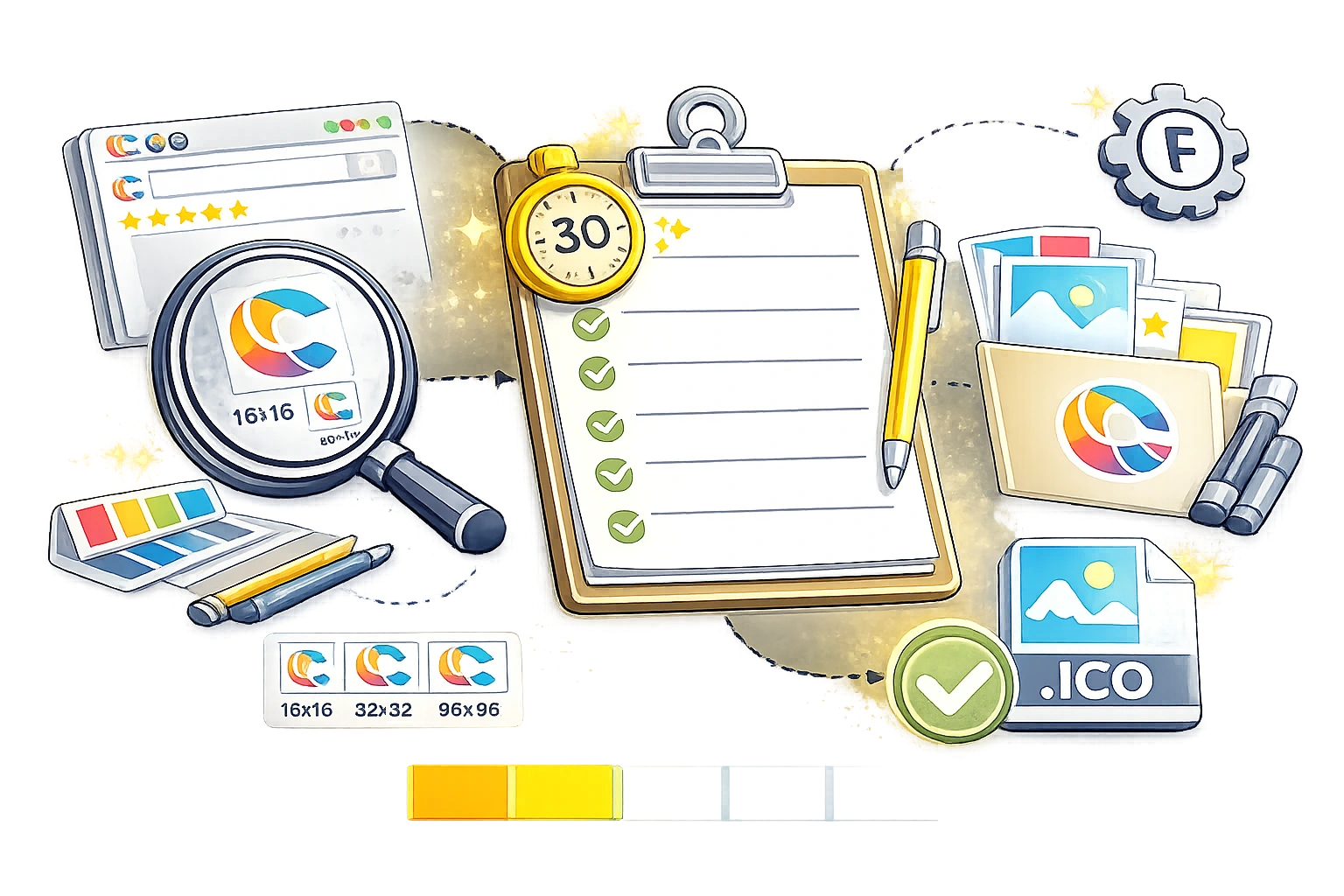
Creating a single 16x16 .ico file is no longer sufficient. Modern devices, high-DPI displays, and varied operating systems demand a specific set of favicon sizes to ensure crisp rendering in all environments.
| Size (Pixels) | Primary Use Case | Format |
|---|---|---|
| 16x16 | Standard desktop browser tabs | ICO or PNG |
| 32x32 | Taskbar shortcut icons, Retina browser tabs | ICO or PNG |
| 180x180 | Apple Touch Icon (iOS home screen saves) | PNG |
| 192x192 | Android / Chrome Web App Manifest | PNG |
| 512x512 | PWA splash screens, WordPress site icons | PNG or SVG |
The 30-Second Favicon Optimisation Checklist
Run your current website through this quick diagnostic checklist to ensure your favicon SEO adheres to 2026 best practices.
1. Design for High Contrast and Simplicity
- Minimise text: A favicon is too small to read words. Use your brand's monogram or a highly simplified version of your primary logo mark.
- Check dark/light modes: Ensure your favicon has enough contrast to be visible on both white browser tabs and dark-mode charcoal tabs. Using a solid background or a subtle stroke can prevent your logo from disappearing.
2. Export in the Correct Formats and Sizes
- SVG vs PNG/ICO: While SVG is excellent for scalability, always provide the standard PNG and ICO fallbacks to ensure compatibility across older browsers and strict search engine crawlers.
- Generate the required suite: 16x16, 32x32, 180x180, and 192x192.
3. Implement the Code Correctly
- Ensure your HTML
<head>contains the properrel="icon"andrel="apple-touch-icon"Tags pointing to absolute URLs. - Verify that the image files are accessible to search engine crawlers (do not block them in your robots.txt).
Common Favicon Mistakes to Avoid
The most common error in favicon optimisation is using a complex, detailed logo that becomes an unrecognisable blur when downscaled to 16x16 pixels. Another major technical mistake is placing the favicon in an obscure subdirectory that Googlebot can't crawl, resulting in the default search engine icon appearing next to your SERP listing.
Streamline the Process
Generating the precise HTML tags and appropriately sized image variations can be tedious. Instead of manually exporting a dozen different PNG files from your design software, use the CampaignMorph Favicon Creator. Simply upload your high-resolution master logo, and the tool will automatically generate all required sizes (16x16 through 512x512) along with the exact HTML snippet for perfect cross-device compatibility and maximum SEO impact.
Favicon optimisation is one of the highest ROI tasks in technical SEO. In just thirty seconds, you can verify your sizes, contrast, and code, ensuring your brand presents a polished, authoritative front in browser tabs and search engine results alike. Don't let your listing get lost in the shuffle; generate a pristine, multi-device favicon package today using the CampaignMorph Favicon Creator.
Share this article
Help other marketers, developers, and creators discover these insights.