HEX vs RGB vs HSL : Web Designer's Colour Format Cheat Sheet
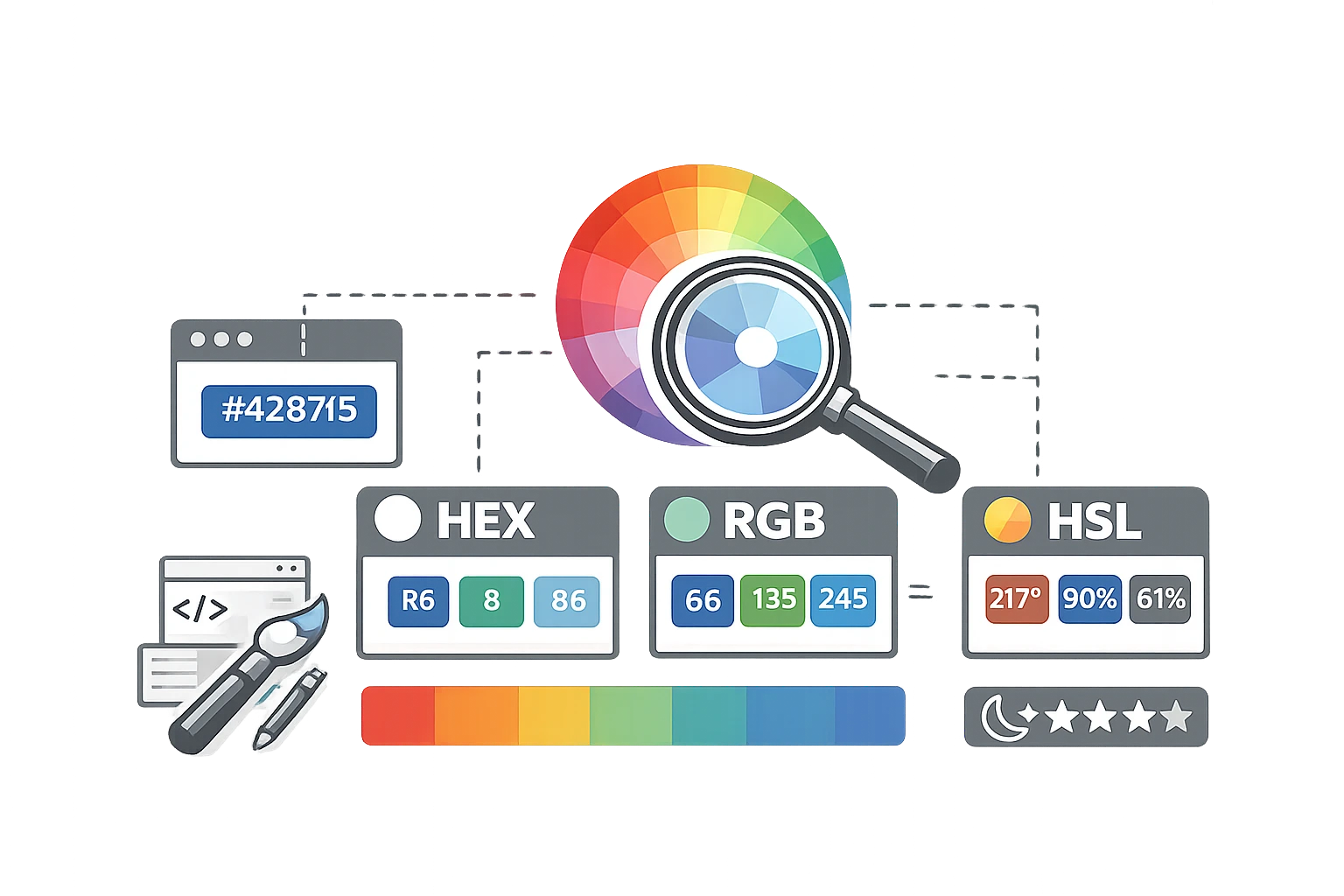
It is every non-designer's frustration. You have a brand colour—let's say a nice, trustworthy blue. But when you look at your style guide, that single blue is described in four different ways: #4F46E5, rgb(79, 70, 229), hsl(243, 75%, 59%), and maybe even a CMYK percentage.
Which one are you supposed to use? Why do we need so many different codes for the exact same colour? And what happens if you use the wrong one?
If you’ve ever felt confused by colour formats, you are not alone. This guide will end the confusion, explain exactly what each code means in plain English, and tell you when to use each one.
Why do different colour formats exist?
The reason we have different codes isn't to be difficult—it's because different devices produce colour in different ways.
- Screens use light: Your computer monitor creates colour by mixing Red, Green, and Blue light. This gave us the RGB model.
- Printers use pigment: Printers create colour by mixing Cyan, Magenta, Yellow, and Black inks. This gave us CMYK.
- Web developers needed shorthand: writing out full RGB values is tedious, so they adopted hexadecimal shorthand. This gave us HEX.
- Humans need logic: None of the above models makes intuitive sense to a human brain (e.g., "make this red lighter"). So, the HSL format was created to align with how humans perceive colour. Learn more in our Colour Theory 101.
HEX Colour Codes Explained
Example: #FF5733
The HEX code is the standard for the web. It always starts with a hashtag (#) followed by six characters. These characters are a mix of numbers (0-9) and letters (A-F). It might look random, but it is actually a code for RGB values.
- The first two characters represent Red.
- The second two represent Green.
- The final two represent Blue.
The scale runs from 00 (no colour) to FF (maximum colour). So, #FF0000 is maximum Red, zero Green, zero Blue, pure bright red. #000000 is zero of everything (Black), and #FFFFFF is the maximum of everything (White).
Modern Trick: You can now use an 8-digit HEX code (e.g., #FF573380). The last two characters represent opacity (alpha). 80 puts the colour at roughly 50% transparency.
When to use HEX: Web design (HTML/CSS), digital design tools (Figma, Sketch, Canva), and sharing brand colours quickly. It is the most copy-and-paste-friendly format to ensure you Match Your Brand Colours Across Platforms.
RGB Colour Codes Explained
Example: rgb(255, 87, 51)
RGB stands for Red, Green, Blue. It is the most direct representation of how a screen works. Each channel is defined by a number from 0 to 255.
rgb(0, 0, 0)is Black (screen off).rgb(255, 255, 255)is White (screen fully on).
The major advantage of RGB in web design is the Alpha channel, written as rgba(255, 87, 51, 0.5). That fourth number (0.5) sets the transparency to 0.5. This allows you to easily create see-through backgrounds and overlays.
When to use RGB: When you need transparency in CSS, or when working in video editing software and presentation software like PowerPoint, which often default to RGB sliders.
HSL Colour Codes Explained
Example: hsl(9, 100%, 60%)
HSL stands for Hue, Saturation, Lightness. This is the most "human" format because it describes colour the way we speak about it.
- Hue (0–360): Imagine a colour wheel. 0° is Red, 120° is Green, 240° is Blue. You just spin the wheel to pick the colour family.
- Saturation (0–100%): How "vivid" is the colour? 0% is grey (dull), 100% is full vivid colour.
- Lightness (0–100%): How much light is hitting the colour? 0% is Black, 100% is White, 50% is "normal".
Why designers love HSL: If you want to create a hover effect for a button that is slightly darker, you don't need to guess new HEX numbers. You just lowered the Lightness value by 10%. It makes creating colour variations programmatic and logical.
When to use HSL: CSS styling, creating colour themes, and when you need to generate tints and shades of a base colour. It is a powerful tool for choosing brand colours using psychology.
CMYK Briefly Explained
Example: C=0 M=84 Y=83 K=0
CMYK (Cyan, Magenta, Yellow, Key/Black) is for print only. Screens emit light (additive), but ink absorbs light (subtractive). If you send an RGB file to a professional printer, the colours will look muddy and dull because inks cannot reproduce the bright neon intensity of a screen. Never use CMYK for web design.
Colour Format Comparison Table
| Format | Syntax Example | Where Used | Opacity Support | Human Readable? |
|---|---|---|---|---|
| HEX | #FF5733 | Web, Design Tools | Yes (8-digit) | No |
| RGB | rgb(255, 87, 51) | Web, Screens, Video | Yes (via rgba) | Moderate |
| HSL | hsl(9, 100%, 60%) | CSS, Theming | Yes (via hsla) | Yes (Very) |
| CMYK | 0, 84, 83, 0 | Print Only | No | Moderate |
How to Convert Between Formats
You generally don't need to do the math yourself. CampaignMorph offers a free Colour Converter tool. You can simply paste a HEX code, and it will instantly give you the RGB and HSL equivalents (and vice versa).
This is useful when you have a brand guideline that only lists HEX codes, but your developer needs an RGB value for a transparent overlay. Simply pop the code into the tool and get the translation.
Need to convert a colour code?
Switch between HEX, RGB, HSL, and more instantly.
Frequently Asked Questions
1. Is HEX the same as RGB?
They represent the exact same colour value, just written in different languages. HEX is Base-16 counting, while RGB is Base-10 (decimal) counting. #FF in HEX is equal to 255 in RGB.
2. What colour format should I use in CSS?
It depends on preference, but HEX is the most common for static colours. RGB (specifically < strong> RGBA ) is best when you need transparency. HSL is best if you plan to manually adjust lightness or saturation directly in the code.
3. Can I use HSL values directly in CSS?
Yes! All modern browsers support HSL. You can write background-color: hsl(200, 50%, 50%); and it will work perfectly.
4. What is the difference between RGB and CMYK?
Physics. RGB is light (screens); combining all colours makes white. CMYK is ink (print); Combining all colours produces black (a muddy dark brown). RGB has a wider range of colours (gamut) than CMYK, which is why bright screen colours look dull when printed.
5. How do I convert a HEX code to RGB manually?
It involves complex math (converting base-16 to base-10). For example, to convert #FF, you calculate (15 × 16) + 15 = 255. It is much faster and less error-prone to use a free Colour Converter tool.
Understanding these formats gives you full control over your design workflow. Whether you're building a website or designing a slide deck, knowing which code to use ensures your brand looks consistent everywhere.
Share this article
Help other marketers, developers, and creators discover these insights.