HTML to Markdown : When & Why to Use
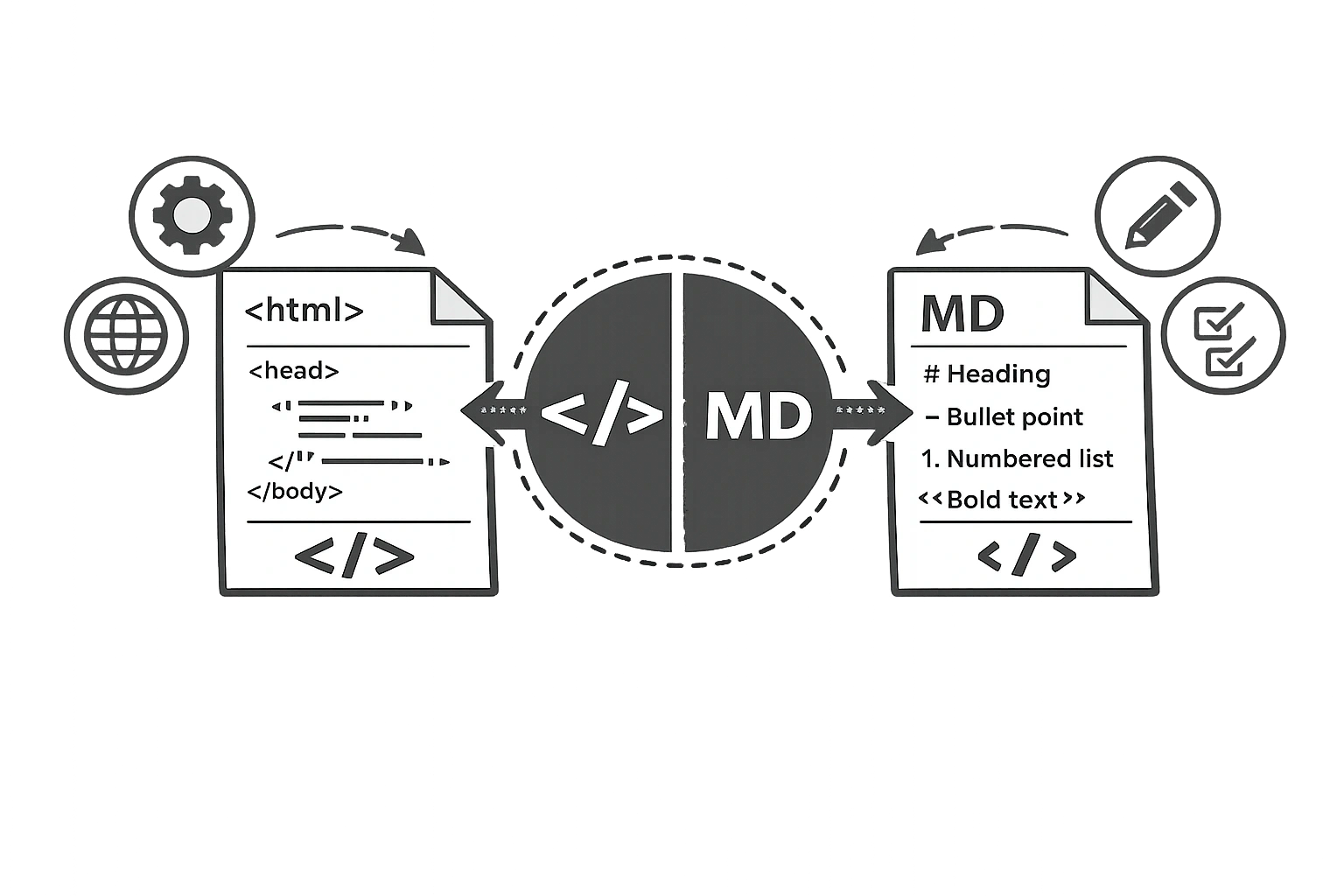
You've written the perfect blog post in Google Docs. You copy it into your CMS, and suddenly the formatting is broken. Or you're trying to write documentation on GitHub, but your HTML tags aren't rendering. The problem is usually a format mismatch: HTML vs. Markdown.
These are the two dominant languages for formatting text on the web. Understanding the difference—and knowing how to convert between them—can save you hours of frustration.
What Is HTML?
HTML (HyperText Markup Language) is the standard language of the web. Every web page you visit is built with HTML. It uses "tags" to tell the browser how to display content.
Example: <strong>Bold Text</strong> or <a href="url">Link</a>.
HTML is powerful and can create complex layouts, but writing raw HTML is tedious and hard for humans to read.
What Is Markdown?
Markdown is a lightweight markup language invented by John Gruber in 2004. Its goal? To be as easy-to-read and easy-to-write as possible.
Instead of bulky tags, Markdown uses simple symbols. To bold text, you just wrap it in asterisks: **Bold Text**. To create a heading, you use a hash: # Heading.
Markdown is now the standard for platforms like GitHub, Reddit, Notion, Obsidian, Slack, and Discord.
HTML vs Markdown Comparison Table
| Element | HTML Syntax | Markdown Syntax |
|---|---|---|
| Heading 1 | <h1>Title</h1> | # Title |
| Bold | <strong>Text</strong> | **Text** |
| Italic | <em>Text</em> | *Text* |
| Link | <a href="url">Link</a> | [Link](url) |
| List Item | <li>Item</li> | - Item |
| Image | <img src="url" alt="alt"> |  |
When to Use HTML
Stick to HTML when you need precision and complexity:
- Web Development: Building actual website templates.
- Email Marketing: HTML email templates require specific table-based coding.
- Complex Layouts: If you need specific colours, fonts, or alignment (such as text centring), Markdown can't do that natively. You need HTML/CSS.
When to Use Markdown
Use Markdown for writing and content creation:
- Blog Writing: CMS platforms like Ghost and Jekyll use Markdown because it's faster to write.
- Documentation: README files on GitHub are always Markdown.
- Note-taking: Tools like Notion and Obsidian use Markdown shortcuts.
- Chat Apps: Slack, Discord, and WhatsApp use Markdown syntax for bold/italic.
How to Convert HTML to Markdown (and Back) for Free
Moving content between these formats manually is a nightmare. Replacing every <h2> with ## takes forever.
Instead, use the CampaignMorph HTML-Markdown Converter. You can paste your messy HTML code on one side and get clean, readable Markdown on the other—or vice versa.
Convert Text Formats Instantly
Switch between HTML and Markdown with zero errors. Free online tool.
Common Conversion Issues
Be aware of these limitations when converting:
- Tables: Markdown tables exist, but are clunky. Complex HTML tables with merged cells often break when converted to Markdown. If you need to generate a clean table from data, try our JSON-to-HTML Table Converter.
- Nested Divs: Markdown doesn't support
<div>or<span>tags. If your HTML relies heavily on these for layout, the converter might strip them out or leave them as raw HTML. To quickly clean up messy HTML, use our HTML Tags Remover. - Attributes: Markdown links support the URL and title, but they don't support
target="_blank"orrel="nofollow"natively.
Frequently Asked Questions
1. Can I use Markdown in WordPress?
Yes. The modern Gutenberg editor in WordPress supports Markdown shortcuts (e.g., typing ## creates a heading). There are also plugins to enable full Markdown support.
2. Is Markdown better than HTML for SEO?
Neither is "better" because search engines render both as HTML in the end. A browser converts Markdown to HTML before displaying it. Markdown is better for the writer's productivity.
3. What is the easiest way to convert HTML to Markdown?
Use an automated converter tool. Paste your HTML source code, click convert, and copy the Markdown. Doing it manually is prone to syntax errors.
4. Why does my Markdown not render correctly?
Markdown has different "flavours" (GitHub Flavoured Markdown, CommonMark, etc.). Some support features, like tables or strikethrough, are supported by standard Markdown, while others are not. Ensure your viewer supports the flavour you are writing.
5. What is a Markdown editor?
A Markdown editor is a writing tool that renders Markdown syntax in real-time. Popular examples include Typora, iA Writer, Obsidian, and the editors built into platforms like GitHub and Notion. They let you see a formatted preview while you type in Markdown.
HTML and Markdown are both valuable tools in a content creator's toolkit. The key is knowing which situation calls for which format. For fast, readable content writing, Markdown wins. For precise web layouts and emails, HTML wins. And when you need to move between the two, the CampaignMorph converter makes the transition effortless.
Share this article
Help other marketers, developers, and creators discover these insights.