Bridging the Gap: Transforming API JSON Responses into SQL Databases
In the modern web ecosystem, JSON (JavaScript Object Notation) is the undisputed king of data transfer. Almost every third-party API from Stripe and Twilio to HubSpot and Shopify communicates by sending JSON payloads.
But when marketers, data analysts, or junior developers need to analyse that data, generate reports, or build dashboards, JSON can be incredibly frustrating to work with. For analytical queries, traditional SQL (Structured Query Language) relational databases remain the gold standard.
Here is a look at the challenges of bridging the gap between NoSQL JSON data and relational SQL databases, and how to simplify the workflow.
The Structural Clash: Trees vs Tables
The core difficulty in moving JSON to SQL lies in their fundamental structures:
JSON is Hierarchical (Like a Tree)
JSON is designed to be deeply nested. A single JSON object for a "Customer" might contain an array of "Orders," and each order might contain an array of "Items." It is a multi-dimensional structure that is highly flexible.
SQL is Relational (Like a Spreadsheet)
SQL databases (like MySQL, PostgreSQL, or SQLite) require data to be flat and rigid. Data is stored in two-dimensional tables consisting of rows and columns.
To put JSON data into an SQL database, you have to "flatten" the tree structure into a table.
The Manual Workflow (The Hard Way)
If an analyst receives a 5,000-line JSON export of user data and needs to analyse it in MySQL, doing it manually is a tedious process:
- Analyse the Schema: Read through the JSON to determine all possible keys (fields) across all objects.
- Determine Data Types: Guess the SQL data type for each field (
VARCHAR,INT,BOOLEAN,DATETIME) based on the JSON values. - Write the CREATE TABLE Statement: Manually type out the SQL command to build the database table structure.
- Write the INSERT Statements: Write a script (in Python, Node, etc.) to loop through the JSON array and generate thousands of
INSERT INTOSQL statements, making sure to escape quotes and handlenullvalues properly to prevent syntax errors.
The Automated Workflow (The Easy Way)
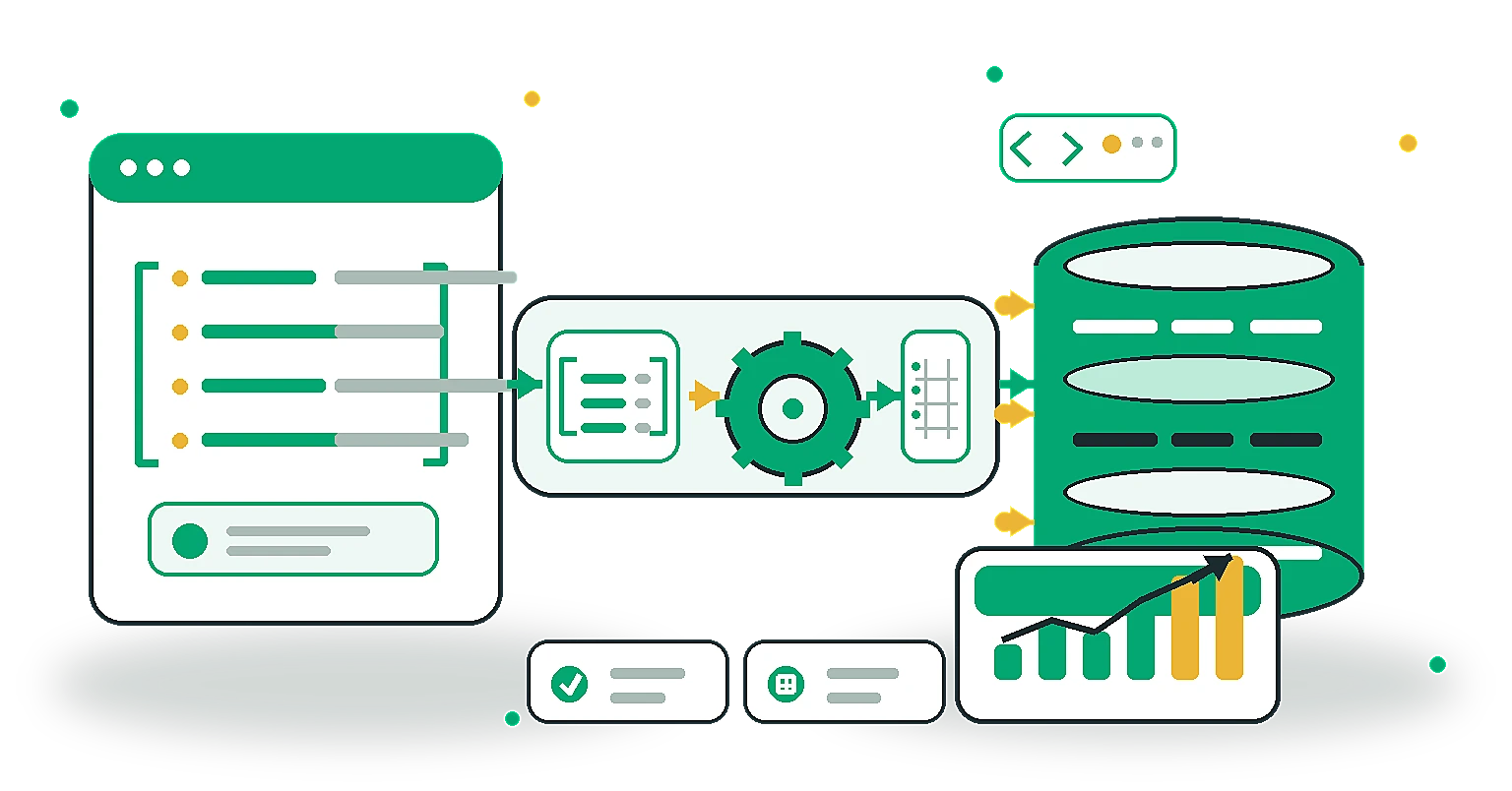
Instead of writing custom parsing scripts every time you need to analyse an API payload, you can automate the entire schema generation and data insertion process using our JSON to SQL Converter.
How it works:
- Paste your JSON array into the tool.
- The converter automatically scans your data, intelligently infers the correct SQL data types (e.g., recognising that a string is actually a timestamp), and generates a ready-to-run
CREATE TABLEquery. - It instantly flattens the JSON objects and generates safe, escaped
INSERT INTOstatements for all your rows. - You can customise the table name and copy the exact syntax for MySQL, PostgreSQL, or standard SQL.
Frequently Asked Questions
Can I convert SQL back to JSON? Yes. Most modern SQL databases (like PostgreSQL and MySQL) have built-in JSON functions that allow you to query your flat tables and return the results as a nested JSON object for APIs.
What happens if my JSON has nested arrays? Converting deeply nested JSON arrays into SQL usually requires creating multiple related tables (e.g., a "Users" table and a "Posts" table) linked by a foreign key. Simple converters will typically flatten arrays into stringified JSON text columns, while advanced ETL tools will split them into separate tables.
Does this process work for massive datasets? Browser-based tools are great for quick analysis of small to medium JSON payloads (up to a few megabytes). For massive gigabyte-scale logs, you should use server-side scripts or dedicated data pipelines (ETL tools) to stream the data into your SQL database.
By automating the transformation from JSON to SQL, analysts can spend less time writing parsing scripts and more time writing the SELECT queries that actually drive business insights.
Share this article
Help other marketers, developers, and creators discover these insights.