The Ultimate Guide to Downloading High-Res YouTube Thumbnails
A YouTube thumbnail is often the single most important factor determining whether a viewer clicks on your video. Even the highest-quality content will go unwatched if the thumbnail doesn't capture attention.
For content creators and marketers, analysing what works in your niche is a critical part of the content strategy.
Why Analyse Competitor Thumbnails?
- Spotting Trends: Are your competitors using bright backgrounds, specific fonts, or pointing arrows?
- Colour Palette Analysis: Identifying which colours stand out most in the YouTube UI (often avoiding YouTube's native red and white).
- Inspiration and Moodboarding: Compiling a swipe file of high-performing designs to reference when planning your next video.
How to Extract High-Resolution Thumbnails
While you can screenshot a YouTube search page, the result is often low-quality, compressed, and distorted. To properly analyse or repurpose a thumbnail for a moodboard, you need the original file.
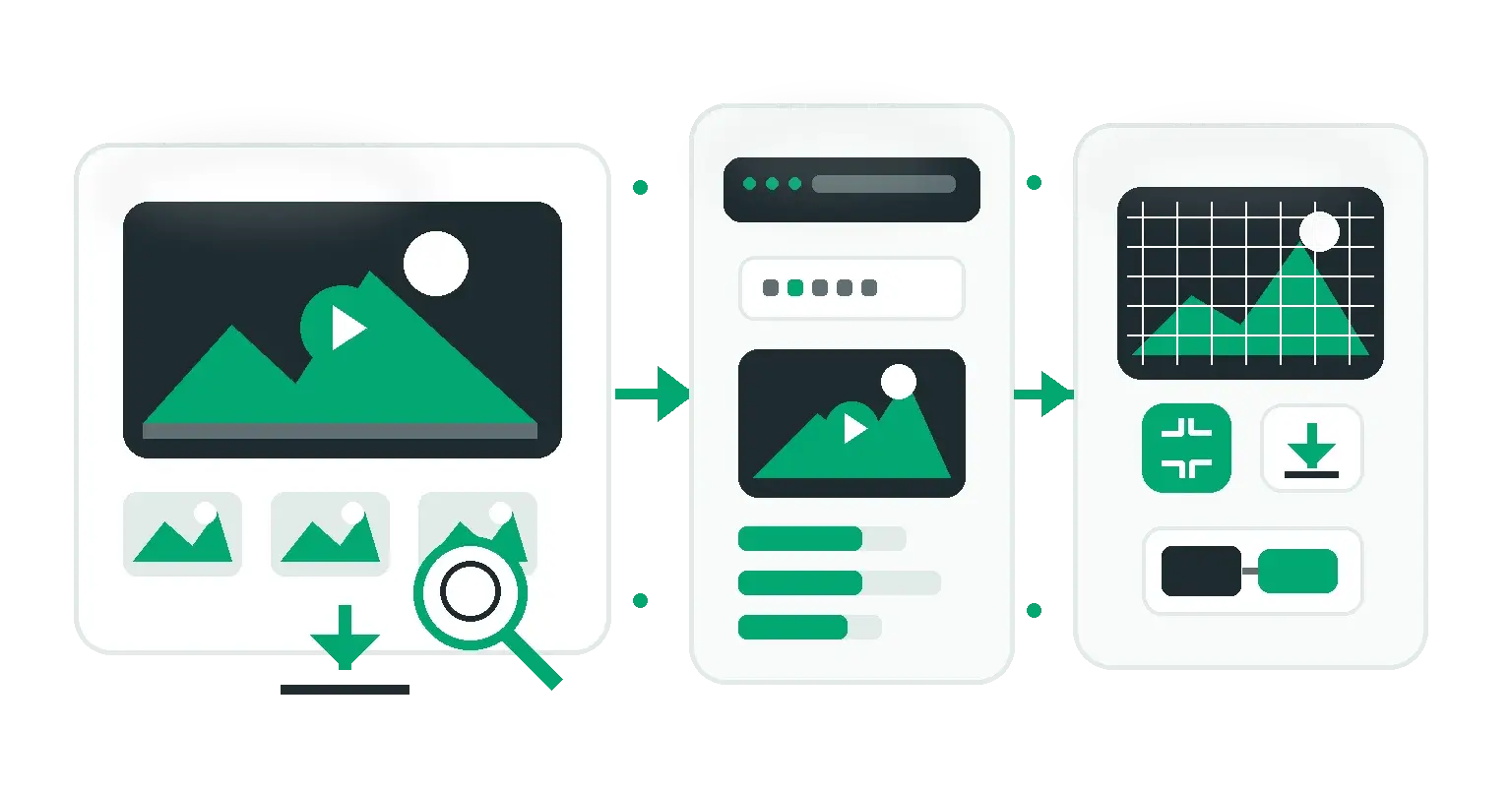
Using our YouTube Thumbnail Downloader, you can extract the maximum resolution (MaxRes) image directly from any YouTube video URL.
Step-by-Step Guide:
- Find the YouTube video you want to analyse.
- Copy the URL from the address bar (or the Share button).
- Paste the URL into our downloader.
- Download the
maxresdefault.jpgversion, which is typically 1280x720 pixels or higher.
Legal and Ethical Considerations
Remember that YouTube thumbnails are copyrighted material owned by the creator. You should only download thumbnails for:
- Personal inspiration and moodboarding.
- Internal competitor analysis presentations.
- Fair use commentary or critique.
Do not directly copy or re-upload someone else's thumbnail for your own videos, as this violates copyright and community guidelines.
Conclusion
Reverse-engineering success on YouTube starts with understanding what drives clicks. By downloading and analysing high-resolution thumbnails from top performers in your niche, you can refine your own visual strategy and boost your channel's Click-Through Rate (CTR).
Looking to repurpose your video content into articles, newsletters, and social carousels? Check out our complete guide on how to extract and Repurpose YouTube Video Transcripts using our free YouTube Transcript Generator.
Share this article
Help other marketers, developers, and creators discover these insights.