QR Code Marketing Guide Guide for Better CTR
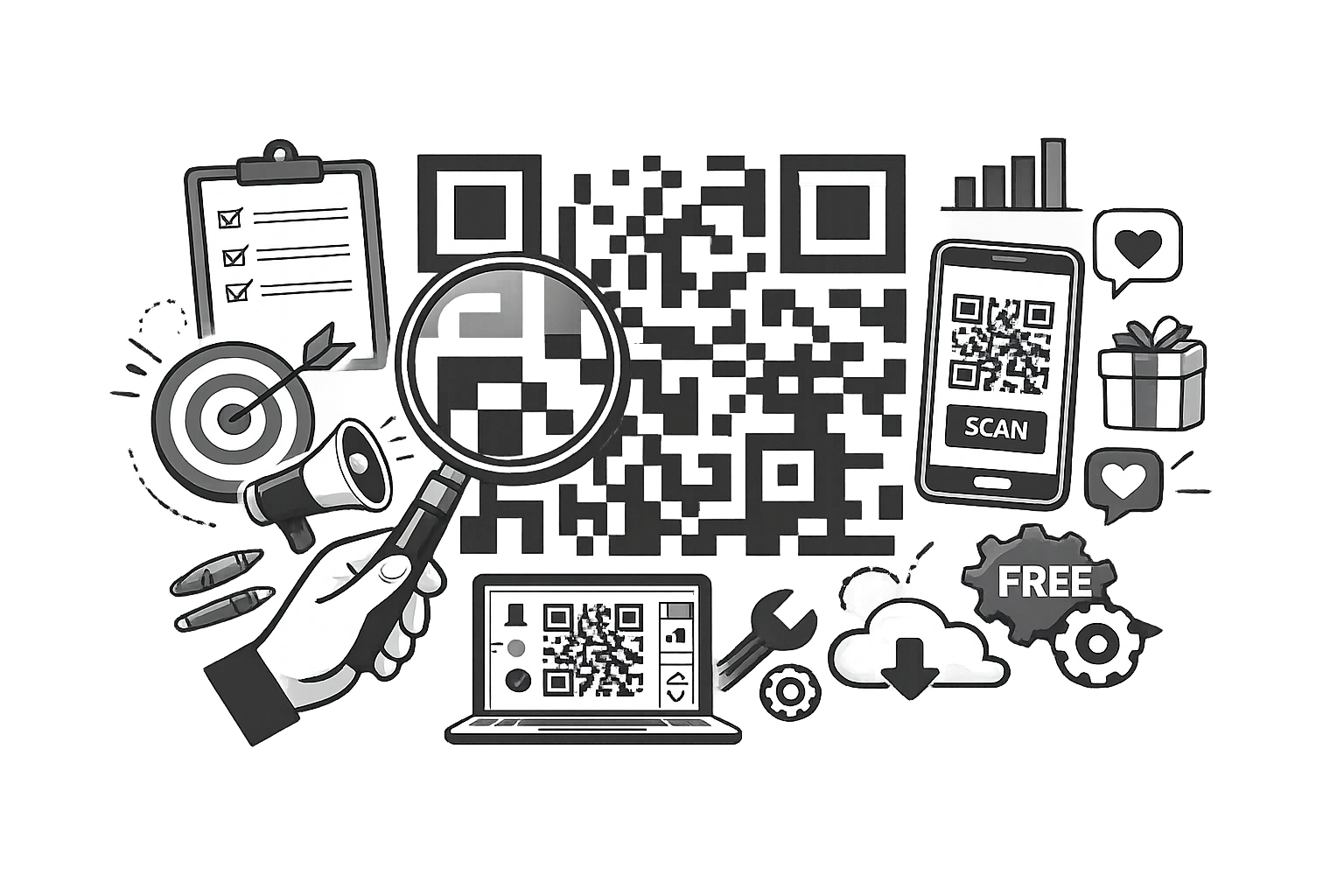
Once dismissed as a fad, QR (Quick Response) codes have staged the greatest comeback in marketing history. Fueled by the pandemic's "touchless" necessity and cemented by the ease of native camera scanning on iOS and Android, QR codes are now a ubiquitous bridge between the physical and digital worlds.
In 2026, QR codes are no longer just for restaurant menus. They are sophisticated marketing tools used for payments, augmented reality experiences, lead generation, and direct-to-consumer communication. If you are not integrating them into your physical collateral, you are missing a critical engagement channel.
This guide covers the strategy, design, and technical implementation of QR codes for modern marketers.
What Is a QR Code?
A QR code is a two-dimensional barcode capable of storing significantly more data than a standard barcode. While a barcode only stores numbers, a QR code can store URLs, text, location data, Wi-Fi credentials, and contact cards (vCards). They can be scanned instantly by any modern smartphone camera without a specialised app.
Types of QR Codes
Understanding the difference between the two main types is critical for your strategy:
- Static QR Codes: The data is encoded directly into the pattern.
Pros: Free forever, will never expire.
Cons: You cannot change the destination URL once printed. If you print 1,000 flyers and then change your website link, the flyers become useless. You also cannot track scan analytics. - Dynamic QR Codes: The code points to a short redirect URL that forwards to your destination.
Pros: You can change the destination URL at any time without reprinting the code. You can track scan data (location, time, device).
Cons: Usually requires a paid subscription service to maintain the redirect.
Step-by-Step: How to Create a Free QR Code
Creating code is simple with the right tools.
- Go to the CampaignMorph QR Code Generator.
- Select the content type (URL, Text, Email, Phone, WhatsApp).
- Enter your data (e.g., https://yourwebsite.com).
- Customise the colour and size if needed.
- Download as a PNG (for web) or SVG (for print).
QR Code Design Best Practices
A QR code that doesn't scan is a marketing disaster. Follow these rules:
- Contrast is King: Always use a dark foreground on a light background. Inverting colours (white code on black background) is risky; many scanners struggle with it.
- Size Matters: For print, the minimum recommended size is 2 x 2 cm (approx 0.8 inches). If it's too small, cameras won't focus on it.
- Quiet Zone: Ensure there is a margin of space (white border) around the code. If you print text or graphics right up against the code's edge, it breaks readability.
- Call to Action (CTA): Never print a naked QR code. Always put a CTA text frame around it: "Scan for Menu," "Scan to Win," or "Scan for 10% Off." Give users a reason to pull out their phone.
Strategies by Industry
Retail & Packaging
Place codes on product packaging or hang tags to link to "How to Use" videos, warranty registration, or reorder pages. This turns a one-time purchaser into a recurring customer. For payments, consider a UPI QR Code Generator to simplify the checkout experience.
Events & Conferences
Replace paper tickets with QR codes. Use badge codes to share LinkedIn profiles (vCards). Place codes on presentation slides to link directly to the slide deck download.
Restaurants
Beyond the menu, use the codes on table tents to get instant Google Reviews or join the loyalty SMS list.
Real Estate
"For Sale" signs with QR codes allow drive-by prospects to instantly view the interior photo gallery and price without calling the agent.
WhatsApp Marketing & QR Codes
One of the most powerful uses in 2026 is the "Click-to-Chat" QR code. When scanned, it opens a WhatsApp chat with your business, pre-filled with a message like "Hello, I'm interested in..."
This bypasses friction. The customer doesn't need to save your number. It is an instant lead generation tool.
Create a WhatsApp Link
Use our WhatsApp Link Generator to create your custom wa.me link, then turn that link into a QR code for your marketing materials.
How to Read a QR Code From an Image?
Sometimes you receive a QR code on your phone screen (e.g., in an email), and you can't scan it with your own camera. You need a tool to "read" the image file.
Upload screenshots to our QR Code Reader to decode them instantly in your browser.
Common Mistakes to Avoid
- Linking to non-mobile-optimised pages: 100% of scans happen on mobile. If your landing page isn't mobile-perfect, you are wasting money. Refer to our SEO Checklist for mobile optimisation tips.
- Placing codes in moving locations: Don't put QR codes on the side of a moving bus or a subway billboard where there is no cell service. Context is key.
- Forgetting to test: Print a sample and scan it with both an iPhone and an Android device before ordering 5,000 flyers.
Frequently Asked Questions
Do QR codes expire?
Static QR codes never expire because the data is hard-coded into the pattern. Dynamic QR codes can expire if you stop paying the service provider hosting the redirect.
Can I add a logo to the centre?
Yes, QR codes have a level of "error correction." You can cover up to 30% of the code (usually the centre) with a logo, and it will still scan.
QR codes are the glue between offline experiences and online conversion. By following design best practices and offering genuine value at the point of scan, you can build a seamless customer journey. Start creating your codes today with our free tools.
Share this article
Help other marketers, developers, and creators discover these insights.