Social Media Image Size Guide for All Platforms
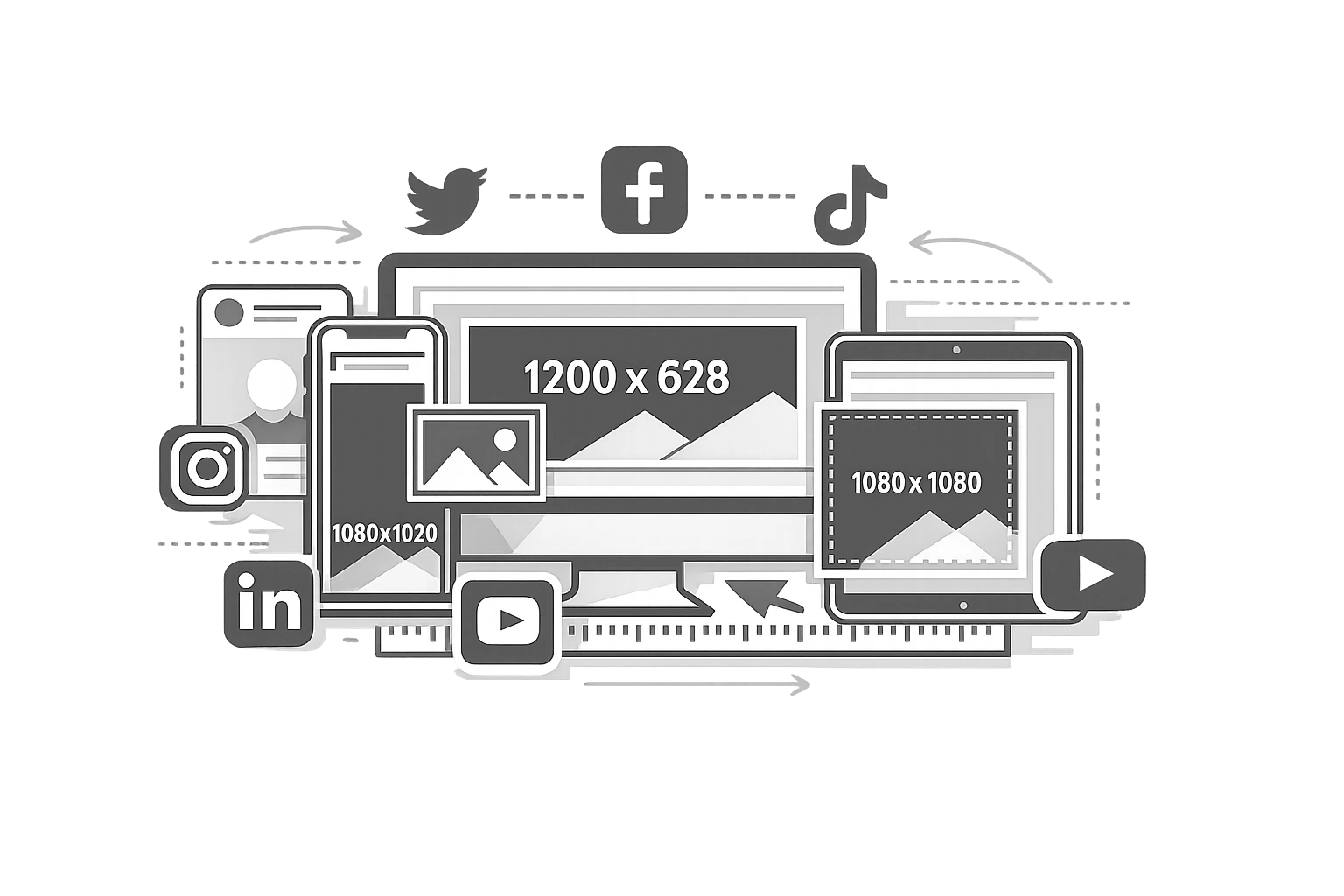
In the fast-paced world of social media, visual content is the currency of engagement. However, nothing kills professionalism faster than a pixelated profile picture, a cropped-out logo in the header, or a blurry Instagram post caused by an off-ratio aspect ratio. In 2026, when high-definition mobile displays are available, users often interpret the standard, poor image quality as a lack of credibility.
The challenge for digital marketers is that social media platforms are constantly evolving. What worked for a Facebook cover photo in 2024 might be completely misaligned in 2026. Instagram introduces new Reel dimensions; LinkedIn updates its company page layouts; and emerging platforms like Bluesky establish their own standards. Keeping up with these changes is a full-time job.
That is why we created this guide. This is not just a list of numbers; it is your definitive, quarterly-updated handbook of visual requirements for every major social media platform. Whether you are managing a global brand presence or building a personal portfolio, this guide ensures your visual assets look crisp, professional, and optimised for engagement on every device.
Bookmark this page. It is the only social media image size resource you will need this year.
Why Do Image Sizes Matter in 2026?
You might wonder if being a few pixels off really makes a difference. In 2026, the answer is a definitive yes. Social media algorithms have become increasingly sophisticated at identifying "low-quality" content. Images that do not meet specific dimension requirements often suffer from algorithmic suppression, meaning fewer people see your posts, regardless of how good the content is.
1. Algorithm Impact & Engagement
Platforms like Instagram and LinkedIn prioritise content that fills the screen correctly. For example, a vertical 4:5 image on Instagram occupies significantly more screen real estate than a landscape image, which statistically leads to higher engagement rates simply because it stays visible longer as users scroll. Optimising your dimensions is an easy growth hack.
2. Compression Penalties
All social platforms use aggressive compression algorithms to save server space. If you upload an image that is significantly larger than the recommended dimensions (e.g., a 4000px-wide image for a 1080px slot), the platform's automated compression will often degrade the quality, resulting in artefacts and blurriness. Uploading at the correct size bypasses this aggressive resizing.
3. Mobile-First Consumption
With over 85% of social media consumption happening on mobile devices in 2026, "safe zones" are critical. A header image that looks great on a desktop monitor might have its key text cropped off on an iPhone. Understanding these responsive behaviours is key to maintaining brand integrity across devices.
How to Use This Guide?
This guide covers every major platform. You can scroll down to find the specific network you are working on, or use the Universal Cheat Sheet table at the bottom for a quick reference of all dimensions.
🔧 Need to fix an image right now?
Don't waste time opening Photoshop. Resize your images for any social platform in seconds with our free image resizer. No sign-up required.
Instagram Image Sizes 2026
Instagram remains a visual-first platform, and its dimension requirements are strict. In 2026, the platform continues to favour vertical content that maximises mobile screen usage.
Instagram Feed Posts
- Square (1:1): 1080 x 1080 px. This remains the classic standard and is safest for grid consistency on your profile.
- Portrait (4:5): 1080 x 1350 px. Highly Recommended. This format occupies the most vertical space in the feed, increasing the time your content is visible to users.
- Landscape (1.91:1): 1080 x 566 px. While supported, this is generally discouraged for engagement as it takes up very little screen space.
Instagram Stories & Reels
Both Stories and Reels share the same dimensions: 1080 x 1920 px (9:16 aspect ratio). However, the "safe zones" differ. For Reels, avoid placing text or essential visual elements in the bottom 20% (where the caption and account name overlay) or the very top (where the UI sits). Keep your core content centred.
Instagram Profile Photo
Upload at 320 x 320 px. Although it displays at 110 x 110 px on mobile, uploading a higher-resolution version ensures clarity on desktop and tablet displays. Remember, this is a circle crop—corners will be eliminated.
For a deeper dive into strategy, explore our image optimization guide.
Facebook Image Sizes 2026
Facebook's layout is complex due to the variety of devices used to access it. Images that work on desktop frequently break on mobile if not carefully sized.
Facebook Page Cover Photo
This is the most common pain point. The ideal dimension is 851 x 315 px. However, mobile crops do this differently.
Pro Tip: Design your cover photo with a "safe zone" in the centre. Keep critical text and logos away from the edges to ensure they appear on both the wider desktop view and the narrower mobile view.
Facebook Feed Posts
The recommended size is 1200 x 630 px. This applies to shared link previews as well. If you are posting a square image, 1200 x 1200 px works well and transitions cleanly to Instagram if cross-posting.
Other Key Dimensions
- Profile Photo: 170 x 170 px (uploading 340 x 340 px is safer for retina screens).
- Facebook Stories: 1080 x 1920 px.
- Event Cover Photo: 1920 x 1005 px.
- Group Cover Photo: 1640 x 856 px.
Twitter / X Image Sizes 2026
Since the rebranding to X, the platform has stabilised its image rendering, but compression remains high. Always upload high-quality JPEGs or PNGs.
In-Stream Photos
1600 x 900 px (16:9 ratio) is the gold standard. Images with this ratio will expand fully in the feed without cropping. You can also post square (1:1) images, which look good on mobile but may take up significant vertical space.
Header / Banner Image
1500 x 500 px (3:1 ratio). Be very careful with the bottom-left area of this banner, as the user's profile picture will overlap it on desktop and mobile.
LinkedIn Image Sizes 2026
LinkedIn is the professional face of your brand. Blurry images here can directly impact recruitment and trust in B2B sales.
- Personal Profile Photo: 400 x 400 px. (Try our Profile Picture Maker)
- Personal Background Banner: 1584 x 396 px (4:1 ratio).
- Company Logo: 300 x 300 px.
- Company Page Cover: 1128 x 191 px. This is a very wide, short strip that avoids complex vertical imagery.
- Shared Post Image / Sponsored Content: 1200 x 627 px.
TikTok Image Sizes 2026
While TikTok is video-first, static imagery plays a role in profile branding and the growing popularity of Photo Mode carousels.
- Profile Photo: 200 x 200 px.
- Video Dimensions: 1080 x 1920 px (9:16 aspect ratio).
- TikTok Photo Carousel: 1080 x 1920 px (full screen) is ideal, but 1080 x 1350 px (4:5) is also supported. (Try our Collage Maker for multi-photo grids)
YouTube Image Sizes 2026
YouTube assets must scale from tiny phone screens to massive TV displays.
- Channel Banner (Channel Art): 2560 x 1440 px.
Note: The "text and logo safe area" is only 1546 x 423 px in the centre. Design for this safe area to ensure mobile users see your branding. - Video Thumbnail: 1280 x 720 px (16:9). This is arguably the most important static image in digital marketing. High contrast and readability are key.
- YouTube Shorts: 1080 x 1920 px.
Pinterest Image Sizes 2026
Pinterest is unique as the only major platform that explicitly prefers tall, vertical images.
- Standard Pin: 1000 x 1500 px (2:3 aspect ratio). This is the algorithm's preferred size.
- Tall Pins: 1000 x 2100 px. While supported, these may get truncated in the feed if they are too tall. Stick to 2:3 for the best distribution.
Bluesky & Emerging Platforms
As the social landscape fragments, platforms like Bluesky have gained traction.
- Bluesky Header: 1500 x 500 px (similar to X).
- Bluesky Profile: 400 x 400 px.
- Meta Threads: Follows Instagram guidelines (1080 x 1080 px).
The Universal Cheat Sheet - All Platforms in One Table
| Platform | Asset Type | Dimensions (px) | Aspect Ratio |
|---|---|---|---|
| Feed (Portrait) | 1080 x 1350 | 4:5 | |
| Stories / Reels | 1080 x 1920 | 9:16 | |
| Cover Photo | 851 x 315 | ~2.7:1 | |
| Feed Post | 1200 x 630 | 1.91:1 | |
| Shared Post | 1200 x 627 | 1.91:1 | |
| Personal Banner | 1584 x 396 | 4:1 | |
| X (Twitter) | In-Stream | 1600 x 900 | 16:9 |
| YouTube | Thumbnail | 1280 x 720 | 16:9 |
| TikTok | Video/Photo | 1080 x 1920 | 9:16 |
How to Resize Your Images for Free?
You do not need expensive software like Photoshop or a paid Canva subscription just to resize an image for LinkedIn. We have built a privacy-focused, browser-based tool that does this instantly.
Step-by-Step Guide:
- Navigate to the CampaignMorph Image Resizer.
- Drag and drop your image file onto the canvas. We support JPEG, PNG, and WebP formats.
- Select a preset from the dropdown menu (e.g., "Instagram Portrait" or "Facebook Cover"). The tool automatically applies the correct dimensions mentioned in this guide.
- Alternatively, enter custom pixel dimensions if you have a specific need.
- Click "Download." The processing happens locally on your device, meaning your image is never uploaded to a server, keeping your data 100% private.
For a more detailed tutorial, check out our guide to resizing images online for free.
Common Mistakes Marketers Make
1. One Size Fits All
Posting a horizontal (landscape) image to Instagram Stories leaves massive black bars above and below the content, ruining the immersive experience. Always resize for the specific placement.
2. Ignoring "Safe Zones"
Placing text at the very bottom of a TikTok or Reel usually means it gets covered by the caption or comments. Always keep text centralised.
3. Using Low-Res Source Files
If you scale a small image up to 1080px, it will blur. Always start with a high-resolution source file and scale down. You can also compress large files without losing quality using an image compressor.
File Formats for Social Media
The file type matters just as much as the dimensions.
- JPEG: Best for photographs and realistic images. It offers a small file size with good quality.
- PNG: Essential for graphics, logos, and images containing text. PNG prevents the "fuzzy text" artifacting that happens with JPEG compression.
Read our comparison of WebP vs AVIF to choose the right format for modern web standards.
Frequently Asked Questions
What is the best image size for Instagram in 2026?
For the main feed, 1080 x 1350 px (4:5 vertical) is the best size because it maximises screen real estate. For Stories and Reels, use 1080 x 1920 px.
What resolution should social media images be?
72 PPI (pixels per inch) is standard for screens, but focus on the pixel dimensions (e.g., 1080px width) rather than PPI. Modern screens have high pixel density, so aim for the higher end of the recommended dimensions.
Does image size affect engagement?
Yes. Images that fill the screen (vertical) generally garner higher engagement than smaller landscape images. Additionally, platform algorithms favour clear, high-resolution images over blurry ones.
What is the best free tool to resize social media images?
We recommend the CampaignMorph Image Resizer because it is free, requires no signup, and includes presets for all the platforms mentioned in this guide.
Visuals are the first thing your audience sees. Ensuring your images are perfectly sized is one of the lowest-effort, highest-return activities you can do for your social media presence. It signals professionalism and care.
We update this guide every quarter to ensure you never miss a platform change. Bookmark this page, and next time you are preparing a campaign, use the free image resizer to ensure your assets are pixel-perfect.
For more on web performance, read our complete image optimisation guide.
Share this article
Help other marketers, developers, and creators discover these insights.