Text Case Converter Guide: Title Case, camelCase, snake_case & More
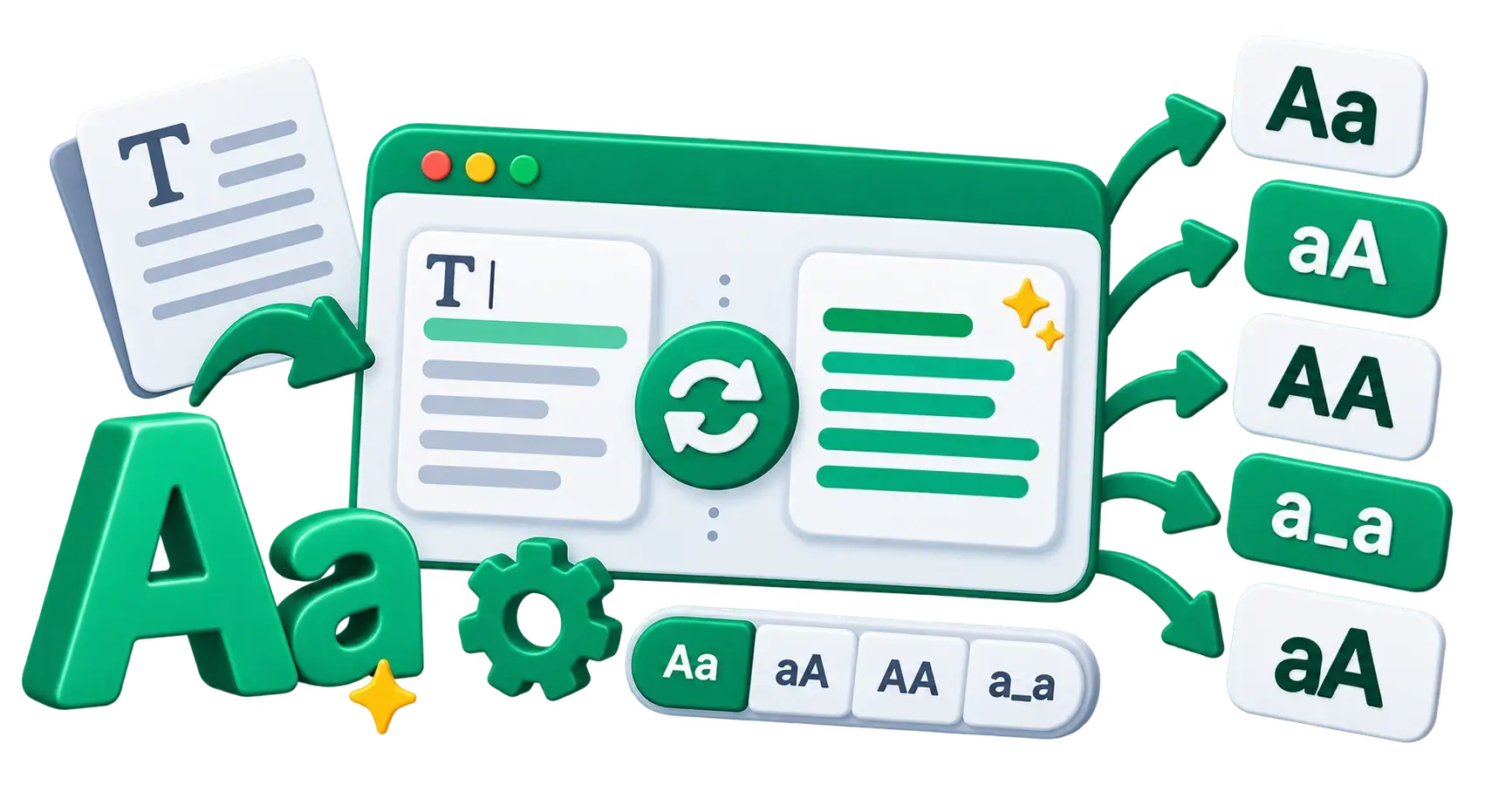
The hidden rules of text case
Whether you are a writer formatting a blog post, a developer naming variables, or a marketer cleaning up a messy spreadsheet, the way you capitalise your text matters. "text case" isn't just about aesthetics; it's about readability, professionalism, and, in programming, it's often a strict requirement for code to function.
Manually retyping a paragraph because you accidentally left Caps Lock on is frustrating. Manually renaming hundreds of files from Image Name to image-name is a waste of time.
This guide explains the most common text cases, when to use them, and how to automate the conversion using a free online tool.
Common text cases in writing and publishing
1. Title Case
Example: The Quick Brown Fox Jumps Over the Lazy Dog
In Title Case, the first letter of most words is capitalised. However, minor words—such as articles (a, an, the), short conjunctions (and, but, or), and short prepositions (in, on, at)—are usually kept lowercase unless they are the first or last word of the title.
When to use it:
- Blog post titles and article headlines (often called "Headline Style")
- Book titles and movie titles
- Formal document headings
2. Sentence case
Example: The quick brown fox jumps over the lazy dog.
Sentence case mimics standard sentence structure. Only the first letter of the first word (and any proper nouns) is capitalised. Everything else is lowercase.
When to use it:
- Standard paragraph text
- UI buttons and menus (increasingly popular in modern web design for a friendly, conversational tone)
- Subheadings (H2, H3) to create visual hierarchy below a Title Case H1.
3. UPPERCASE (All Caps)
Example: THE QUICK BROWN FOX JUMPS OVER THE LAZY DOG
When to use it:
- Acronyms (NASA, HTML)
- Warning labels or critical alerts (use sparingly, as it feels like shouting)
- Specific design choices in branding (e.g., strong, bold navigation links)
4. lowercase
Example: the quick brown fox jumps over the lazy dog
When to use it:
- Informal social media posts (stylistic choice)
- Email addresses and domain names
- System files and folders (to avoid case-sensitivity issues on some servers)
Common text cases in programming and URLs
Developers use specific naming conventions because spaces aren't allowed in variable names or URLs. These cases replace spaces with capitalisation or specific punctuation.
5. camelCase
Example: theQuickBrownFox
The first letter is lowercase, and the first letter of each subsequent concatenated word is capitalised. It looks like the humps on a camel.
When to use it:
- Naming variables and functions in JavaScript, Java, and C++.
- JSON object keys.
6. PascalCase (UpperCamelCase)
Example: TheQuickBrownFox
Similar to camelCase, but the very first letter is also capitalised.
When to use it:
- Naming Classes and Components in languages like C#, Java, and React (JavaScript).
7. snake_case
Example: the_quick_brown_fox
All letters are lowercase, and spaces are replaced with underscores.
When to use it:
- Naming variables and functions in Python, Ruby, and PHP.
- Database column names.
8. kebab-case (dash-case)
Example: the-quick-brown-fox
All letters are lowercase, and spaces are replaced with hyphens (dashes).
When to use it:
- URLs and web slugs: This is the absolute standard for SEO-friendly URLs (e.g.,
website.com/my-new-post). Read our full guide on URL slug SEO best practices. - CSS class names and IDs.
- File names for images and documents uploaded to the web.
How to use the free Text Case Converter?
Instead of manually fixing capitalisation errors or writing regex scripts to format your strings, use the CampaignMorph Text Case Converter.
Features:
- Instant conversion: Paste your text into the input box, and the tool instantly generates it in all major cases.
- One-click copy: Click the copy icon next to the format you need.
- Browser-based privacy: The text is processed entirely in your browser using JavaScript. Nothing is sent to our servers, making it safe for confidential documents or proprietary code snippets.
Common workflows:
- The Caps Lock fix: Paste accidentally typed UPPERCASE text and click copy on the "Sentence case" output.
- The SEO URL generator: Paste your blog post title and copy the "kebab-case" output to use as your URL slug.
- The Code Refactor: Paste a list of spaced words and copy the "camelCase" or "snake_case" output for your variables.
Related formatting tools
If you find yourself frequently reformatting text or code, you might also find these browser-based tools useful:
- Strip HTML Tags: Clean up messy text copied from word processors or old web pages.
- SQL Formatter: Beautify and indent messy SQL queries.
- JSON Formatter: Validate and format raw JSON data.
Share this article
Help other marketers, developers, and creators discover these insights.