The Hidden Risks of PDF Metadata: Why You Must Clean Your Documents
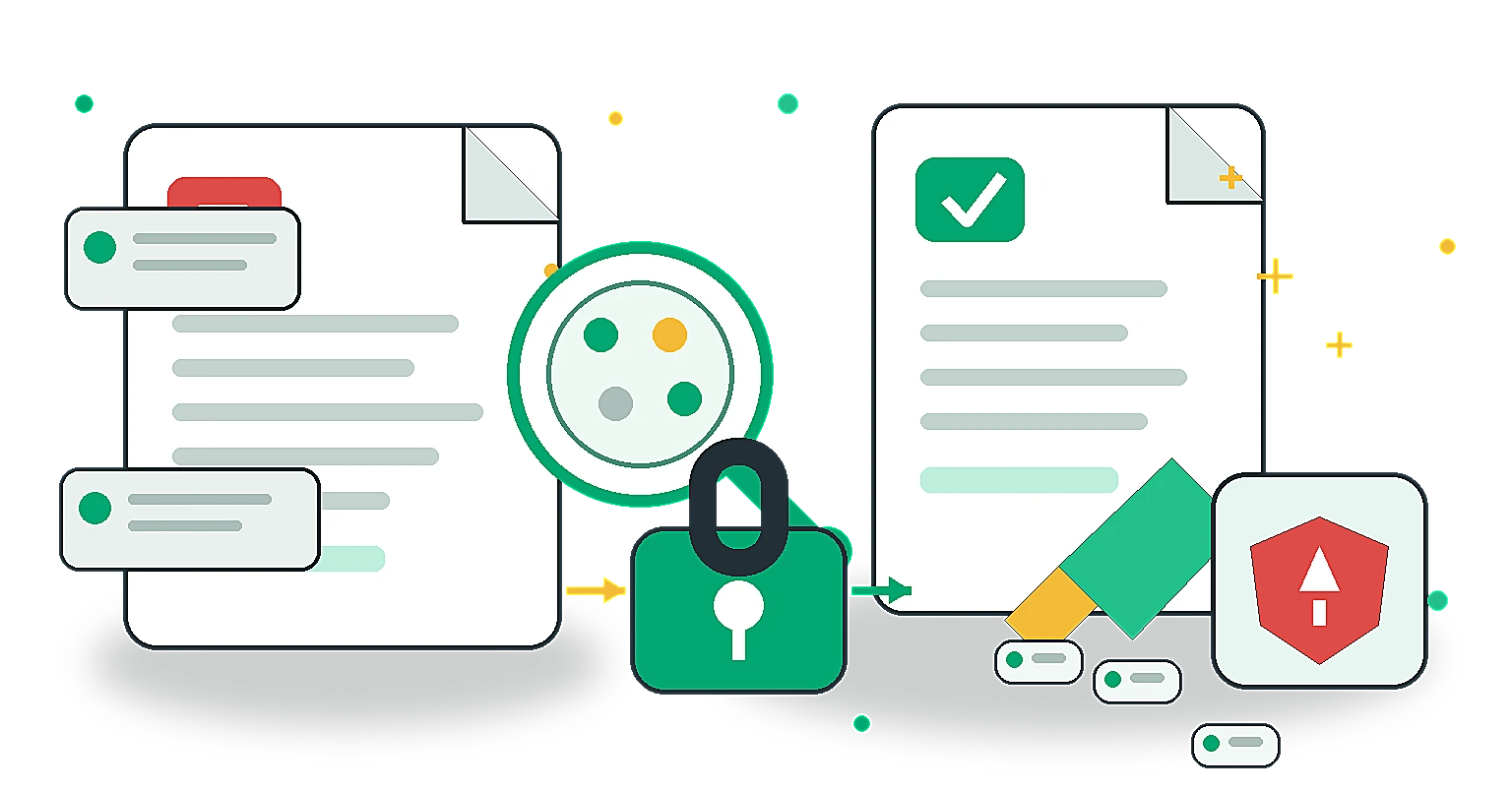
When you export a document from Microsoft Word, Adobe InDesign, or Google Docs to a PDF, you are sharing more than just the visible text and images. The file's code contains a layer of information known as metadata.
While metadata helps organise and search files, it can become a major privacy and security risk for businesses and individuals if not managed properly.
What is PDF Metadata?
Metadata is "data about data." In a PDF, it is a set of hidden fields that describe the document's properties. Common metadata fields include:
- Author: The name of the person who created the document (often pulled directly from your computer's user account name).
- Creator Tool: The exact software and version used to make the document (e.g., "Microsoft Word for Office 365").
- Creation and Modification Dates: Exactly when the file was born and last edited.
- File Paths: Sometimes, the exact directory structure of where the file was saved on the creator's hard drive (e.g.,
C:\Users\JohnDoe\Desktop\Confidential\ProjectX.docx).
The Privacy and Security Risks
Most users never check a PDF's metadata before emailing it to a client or uploading it to a public website. This oversight can lead to several unintended consequences:
1. Exposing Internal Usernames and Identities
If a whistleblower or anonymous source publishes a PDF, the "Author" field might contain their real name. Similarly, businesses might accidentally expose the names of freelance contractors who ghostwrote reports meant to look like they came from the internal team.
2. Leaking Sensitive File Structures
If a document was saved in a folder namedClient_A_Acquisition_Drafts, that filepath might be embedded in the metadata. Competitors or journalists could extract this and discover confidential business plans before they are officially announced.
3. Aiding Cybercriminals (Spear Phishing)
Hackers use metadata for reconnaissance. If they download a public PDF from your company's website and the metadata reveals you are using an outdated version of Adobe Acrobat, they now know exactly which software vulnerabilities to target in a spear-phishing attack against your employees.
How to Protect Yourself?
The simplest way to protect your privacy is to scrub (remove) or intentionally update the metadata before distributing any PDF externally.
Instead of relying on complex desktop software, you can use our free, browser-based PDF Metadata Updater tool.
Because the tool operates entirely locally in your browser, your sensitive documents are never uploaded to a server. You can instantly view all hidden metadata fields, clear them completely for maximum privacy, or update the Author and Title fields to align with your brand's professional standards.
Frequently Asked Questions
Can I view PDF metadata without special software? Yes. On most operating systems, you can right-click the PDF file and view its properties or details. However, to see all embedded fields and edit or remove them completely, a dedicated tool is usually required.
Does flattening a PDF remove metadata? No. Flattening a PDF typically merges form fields and annotations into the visual layer of the document, but it does not automatically scrub the hidden metadata fields like Author or Creator Tool.
Is it safe to use online metadata removers? It depends on the tool. Many traditional online tools upload your sensitive PDF to their servers to process it, which is a privacy risk. Always look for client-side tools (like ours) that process the file locally in your browser.
Don't let hidden data tell a story you didn't intend to share. Always check your metadata first!
Share this article
Help other marketers, developers, and creators discover these insights.