How to Make a Perfect Profile Picture for LinkedIn and Instagram
Your profile picture is often your first impression online. Whether a recruiter views your LinkedIn profile or a potential customer browses your Instagram, a high-quality, professional image builds instant trust.
You don't need a professional photographer or expensive editing software to create a standout profile picture. With the right tools, you can transform a standard selfie into a polished brand asset.
The Psychology of a Good Profile Picture
- Eye Contact: Looking directly at the camera establishes confidence and connection.
- Lighting: Soft, natural light is always best. Avoid harsh shadows across your face.
- Background: A cluttered background is distracting. A solid colour or subtle gradient keeps the focus entirely on you.
Step 1: Remove the Cluttered Background
The quickest way to upgrade your photo is to remove the distracting background. Use our Background Remover Tool to automatically extract your portrait from any setting in seconds with AI.
After removing the background, replace it with a colour that matches your personal brand or company identity. For LinkedIn, solid blue or grey backgrounds work well.
Step 2: Add a Professional Border Ring
You've probably noticed that many top creators and executives have a colored ring around their profile picture. Popularised by Instagram Stories, this technique naturally draws the eye and makes your picture pop in the feed.
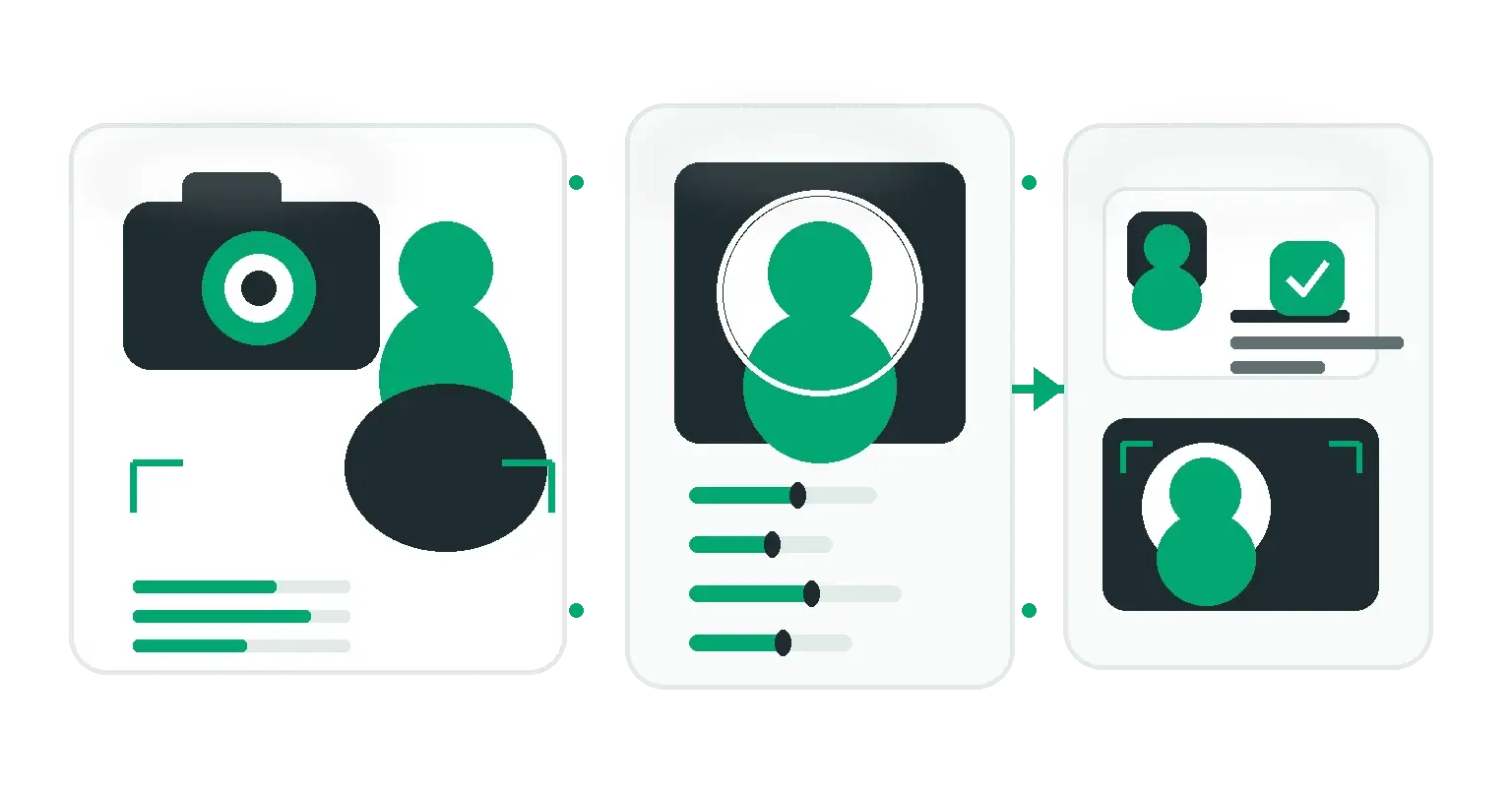
Using our Profile Picture Maker, you can:
- Upload your background-free image.
- Auto-crop the image perfectly to your face.
- Add a custom-colored border ring (choose your exact brand hex code).
- Export it as a high-res, perfectly circular PNG ready for upload.
Sizing Guide for 2026
- LinkedIn: 400 x 400 pixels (Displays as a circle).
- Instagram: 320 x 320 pixels (Displays as a circle).
- X (Twitter): 400 x 400 pixels (Displays as a circle).
Conclusion
Your personal brand deserves a professional visual identity. By spending five minutes removing the background and adding a clean, branded border, you can significantly increase the credibility of your online profiles.
Share this article
Help other marketers, developers, and creators discover these insights.