How to Securely Edit, Merge, and Delete PDF Pages Offline
In today's digital landscape, manipulating PDF documents is a daily necessity for legal professionals, accountants, and administrators. However, a major privacy risk often goes overlooked: uploading sensitive documents to free online PDF editors.
The Hidden Risks of Cloud PDF Editors
When you use a standard "free PDF merger" online, you are often uploading your document to a remote server.
- Data Retention: Many services retain your files on their servers for 24 hours or longer.
- Unclear Privacy Policies: Terms of service often allow the provider to scan or analyse uploaded content.
- Compliance Violations: Uploading patient data (HIPAA) or client financial records to unvetted third-party servers is a severe compliance breach.
The Client-Side Solution
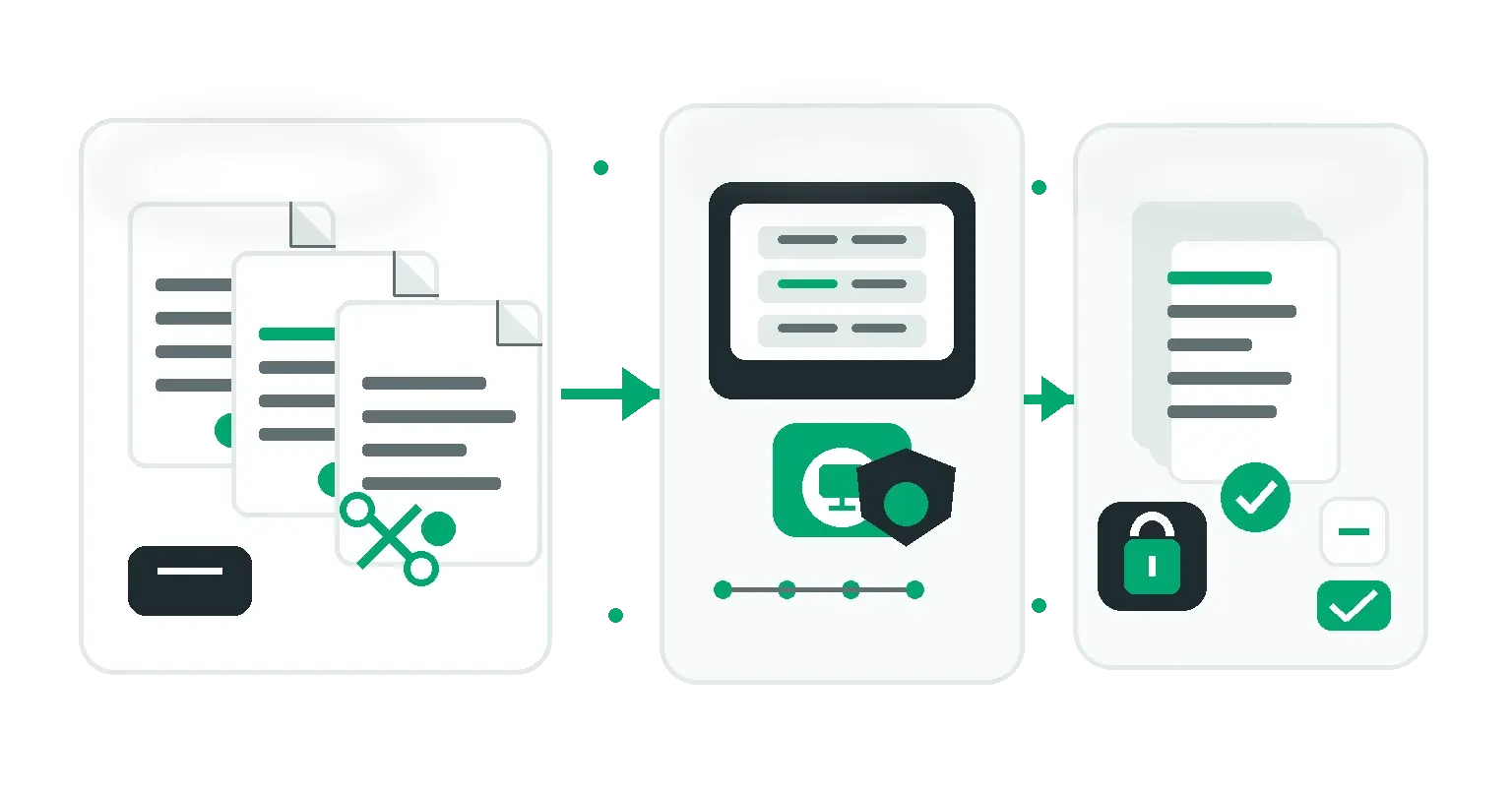
The safest way to process PDFs online is to use tools that operate entirely within your web browser using modern WebAssembly (Wasm) technology. This means the processing happens on your device, and the file never touches an external server.
Securely Merging and Splitting
Using our Secure PDF Merger & Splitter, you can drag and drop multiple PDF files and reorder pages visually. Because processing happens locally, it's more secure and significantly faster than uploading and downloading large files.
Deleting Unwanted Pages
Often, you only need to extract a specific page from a large contract or remove a sensitive page before sharing a document. Our Delete PDF Pages Tool allows you to securely select and remove pages in seconds, generating a clean, new PDF instantly on your local machine.
Conclusion
Convenience shouldn't come at the cost of security. By shifting your document workflows to client-side, browser-based tools, you can keep sensitive information strictly on your device.
Share this article
Help other marketers, developers, and creators discover these insights.