URL Slugs & SEO Best Practices Guide
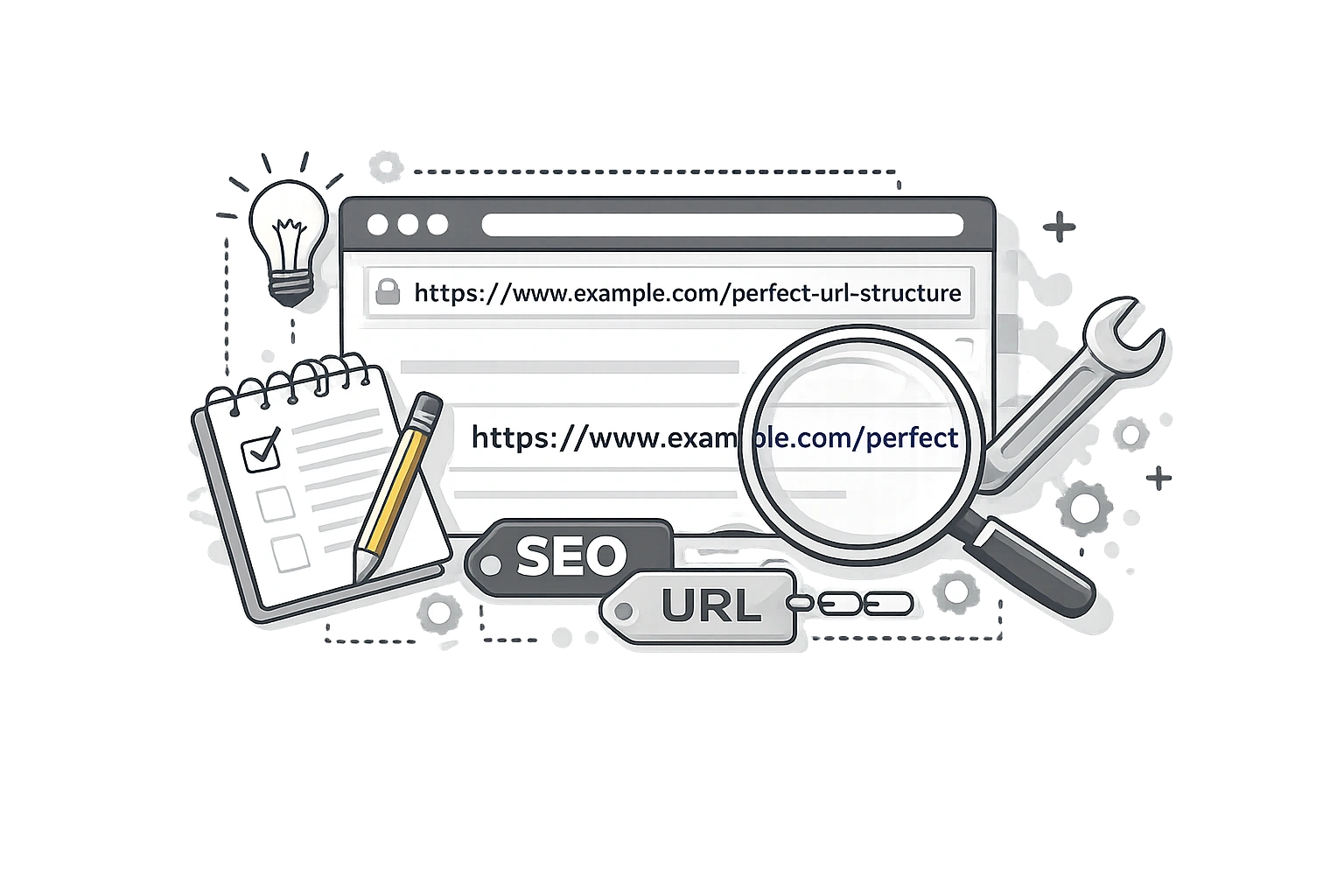
When you're optimising a page, you think about titles, headings, and content. But there's one element that is often overlooked, even though it appears on every single page you create: the URL slug. It's a critical part of your On-Page SEO Checklist.
URLs are one of the fundamental building blocks of your website structure. A messy, unintelligible URL not only looks unprofessional but can actually hinder your SEO performance. A clean, descriptive URL invites clicks and helps Google instantly understand the context of your content.
In this guide, we'll break down exactly how to structure your URLs for maximum SEO impact.
What Is a URL Slug?
The URL slug is the specific part of the URL that comes after the domain name (and any subfolders). It is the unique identifier for a specific page.
Example: https://campaignmorph.com/blog/**url-slugs-seo-guide**
In this example, url-slugs-seo-guide is the slug. It tells the user and the search engine exactly what to expect on the page.
Why URL Slugs Matter for SEO
Does the URL really matter? Yes, for several reasons:
- Relevance Signal: Google reads the words in your URL to determine what the page is about. Including your primary keyword is a known ranking signal. It also helps to keep your Word Count in line with the topic's complexity.
- User Experience (UX): Users read URLs in search results to decide if a result is relevant. A URL like
/post?id=12355this tells them nothing. A URL like/best-running-shoesthis tells them everything. - Anchor Text Context: When people link to your site using the naked URL (e.g., "Check out this article: example.com/seo-guide"), the URL itself acts as the anchor text, providing keyword signals to Google.
The 8 Rules for SEO-Friendly URL Slugs
Follow these rules every time you create a new page to ensure your URLs are working for you, not against you.
1. Include Your Primary Keyword
This is rule #1. If your page is about "Best Coffee Machines," your slug should contain best-coffee-machines. Don't force it if it sounds unnatural, but generally, your main keyword should be present.
2. Use Hyphens, Not Underscores
Google treats hyphens (-) as space separators. It treats underscores (_) as connectors.seo-guide reads as "seo guide".seo_guide reads as "seoguide".
Always use hyphens.
3. Keep It Short and Simple
Shorter URLs rank better. Why? They are easier to read, easier to copy and paste, and easier to remember. Aim for 3-5 words max. Cut the fluff.
4. Use Lowercase Only
Servers often treat /Page and /page as different URLs, leading to duplicate content issues and 404 errors. Always use lowercase letters to avoid confusion.
5. Remove Stop Words
Words like "a", "the", "and", "of", and "in" are stop words. Search engines usually ignore them, and they just make your URL longer.
Bad: /the-best-guide-for-seo
Good: /best-seo-guide
6. Avoid Special Characters
Avoid brackets, apostrophes, commas, colons, or emojis. These often get encoded into messy strings (like %20 or %E2), making your URL unreadable and prone to breaking.
7. Remove Dates
Unless you are a news site, do not put dates in your URLs (e.g., /2024/05/guide). If you update that guide in 2026, the URL will look outdated in search results, lowering your click rate. Keep URLs evergreen.
8. Make It Human-Readable
The "Radio Test": If you read the URL aloud to a friend, could they type it in? If it's a string of numbers or jargon, change it.
Good vs. Bad URL Examples
| Bad Slug ❌ | Good Slug ✅ | Reason |
|---|---|---|
| /p=123 | /chocolate-cake-recipe | Descriptive vs Random ID |
| /10-tips-for-marketing-in-2024 | /marketing-tips | Evergreen & Concise |
| /Marketing_Tips | /marketing-tips | Lowercase & Hyphens |
| /category/products/item/shoe | /shoes/running-shoe | Avoid deep nesting |
How to Generate SEO-Friendly Slugs for Free
You don't need to manually edit every slug. Use the CampaignMorph Slug Generator. Just type in your article title (e.g., "10 Tips for The Best SEO in 2026!"). And it will automatically strip the stop words, remove special characters, lowercase everything, and add hyphens.
Create Clean URLs Instantly
Convert any text into an SEO-optimised URL slug with one click.
URL Structure Beyond the Slug
While the slug is critical, the rest of the URL matters too.
- HTTPS: Always use secure HTTPS. It's a confirmed ranking factor.
- Subfolders: Use logical subfolders (e.g.,
/blog/or/products/) to organise content, but don't go too deep. Google struggles to crawl deep folder structures. - Trailing Slash: Decide whether you use a trailing slash (
/slug/) or not (/slug). Be consistent site-wide to avoid duplicate content.
What to Do When You Need to Change a URL
Changing a URL is risky. Google indexes the specific URL address. If you change it, you lose that history.
If you must change a slug (e.g., to fix a typo or update content):
- Set up a 301 Redirect from the Old URL to the New URL immediately.
- Update all internal links on your site to point to the new URL.
- Update your XML sitemap.
If you don't redirect, you will get a 404 error and lose all your SEO rankings for that page.
Frequently Asked Questions
Should I include the year in my URL?
No. Avoid putting years in URL slugs (e.g., /best-cars-2024) unless it is a news article. If you update the content next year, the URL will still say 2024, making it look outdated in search results.
What is the maximum URL slug length?
Technically, URLs can be over 2,000 characters, but for SEO, aim for fewer than 100 characters. Shorter URLs (50-60 characters) are preferred as they are easier to read and share.
Can I use numbers in URL slugs?
Yes, but avoid them if possible. Numbers can be confusing (is "10" a date or a quantity?). If you write "7-tips" and later add more tips, your URL becomes inaccurate.
Should I change old URLs to make them more SEO-friendly?
Proceed with caution. Changing an established URL resets its social share counts and can cause a temporary drop in ranking while Google reindexes. Only change it if the old URL is truly terrible (broken or spammy). Always use a 301 redirect.
What is the difference between a URL slug and a URL?
The URL is the full web address (e.g., https://example.com/blog/guide). The slug is just the final part identifying the page (e.g., "guide"). The slug is the part you usually customise for each post.
Clean, keyword-rich URLs are a small detail that makes a big difference. They help Google crawl your site and help users trust your links. By following these 8 rules and using a slug generator, you can ensure your site structure is optimised for success from day one.
Share this article
Help other marketers, developers, and creators discover these insights.