Word & Character Count for SEO, Ads & Social
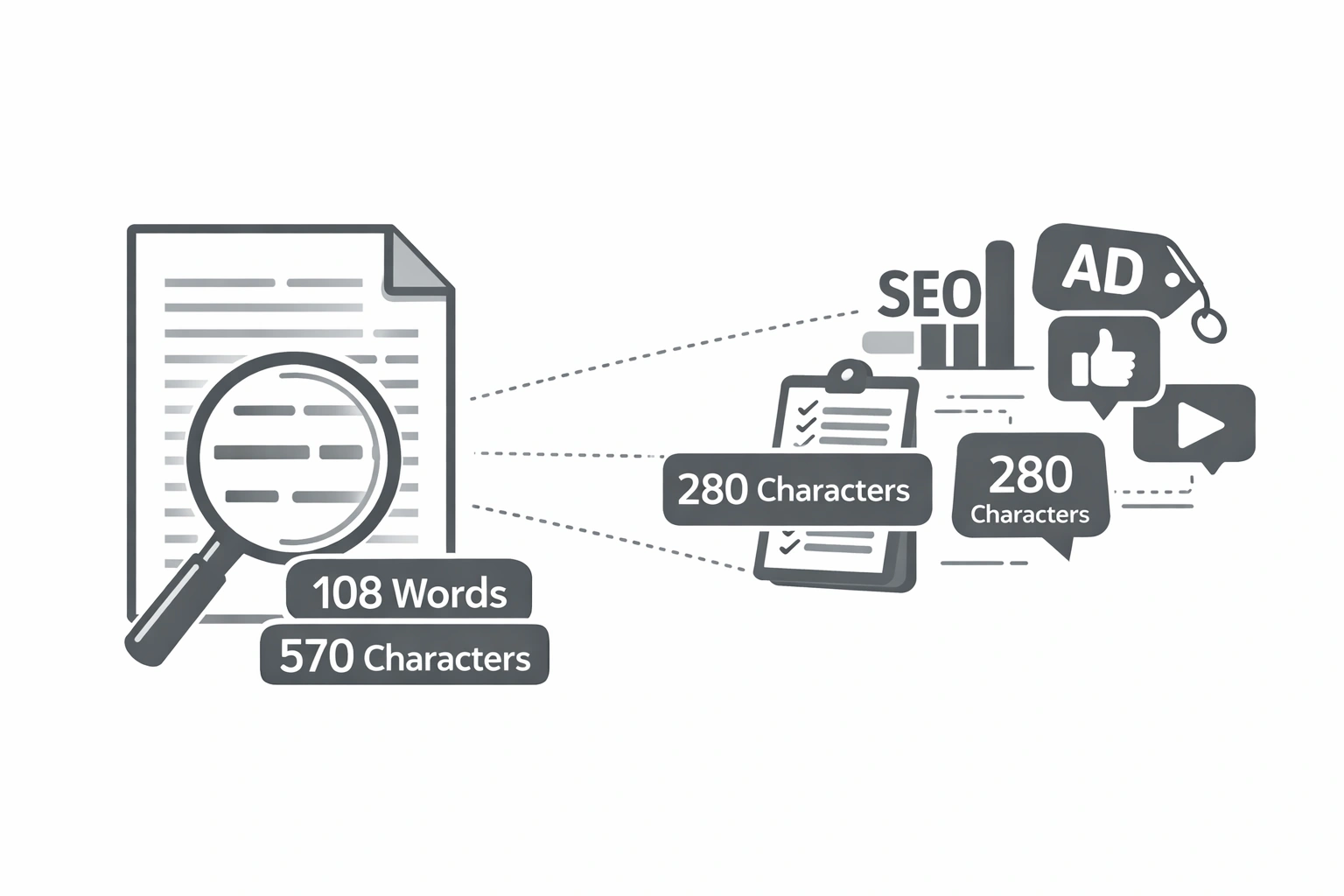
Digital marketing runs on limits. Every platform, every tool, every ad format has a character limit, and they're all different. Go over the limit on a Google Ad headline, and the ad won't run. Hit the wrong length on a meta description, and Google truncates your message mid-sentence. Write a LinkedIn bio that's too long, and the critical information gets hidden behind a "see more" click.
Knowing your character counts is not optional. It's the baseline discipline that separates polished marketing from amateur-hour mistakes. Here's your complete reference - and a free tool to check every single one.
The Universal Character Limit Reference Table
Bookmark this table. It covers every major character limit across SEO, advertising, and social media platforms.
| Platform / Field | Character Limit | Notes |
|---|---|---|
| SEO: Title Tag | 50–60 characters | Google truncates at ~600px width (~60 chars). See Meta Tags Explained. |
| SEO: Meta Description | 140–160 chars (desktop) / 120 chars (mobile) | Google truncates at ~920px width |
| SEO: URL Slug | Under 75 characters is recommended | Shorter is better; aim for 3–5 words. See URL Slugs Best Practices. |
| SEO: H1 Tag | 20–70 characters recommended | No hard limit; keep it focused on one keyword |
| Google Ads: Headline | 30 characters each (up to 15 headlines) | 3 headlines are shown at a time in RSA format |
| Google Ads: Description | 90 characters each (up to 4 descriptions) | 2 descriptions are shown per ad rotation |
| Meta/Facebook Ad: Headline | 40 characters | Displayed below the image |
| Meta/Facebook Ad: Primary Text | 125 characters visible | Up to 4,000 chars total; first 125 shown before "see more" |
| Instagram: Caption | 2,200 characters maximum | First 125 characters visible before "more" |
| Instagram: Bio | 150 characters | Includes line breaks |
| Twitter/X: Tweet | 280 characters | URLs count as 23 characters regardless of length |
| Twitter/X: Bio | 160 characters | — |
| LinkedIn: Post | 3,000 characters max | First 210 characters visible before "see more" |
| LinkedIn: Headline | 220 characters | — |
| YouTube: Video Title | 100 characters max | ~70 characters visible in search results |
| YouTube: Description | 5,000 characters max | First 157 characters visible in search snippet |
| Pinterest: Pin Title | 100 characters | ~40 characters visible on the pin |
| Pinterest: Pin Description | 500 characters | — |
How to Count Words and Characters for Free
Instead of manually counting or trusting your CMS to count correctly, use the CampaignMorph Text Counter for instant, accurate results.
Paste any text, a title tag, an ad headline, a LinkedIn bio, a blog post and the tool instantly displays:
- Total character count (with and without spaces)
- Word count
- Sentence count
- Paragraph count
- Estimated reading time
Count Characters & Words Instantly - Free
Check word count, character count, reading time, and more. No sign-up required.
Open Character & Word Counter + +For a complete look at your content's technical health, check our On-Page SEO Checklist.
Why Both Word Count AND Character Count Matter
These are two different measurements for two different purposes:
- Word Count for SEO Content: Google doesn't have an official minimum word count for ranking, but longer, more comprehensive content consistently outranks thin content for competitive keywords. For informational blog posts, aim for a minimum of 1,200 words. For pillar pages, target 3,000–5,000 words.
- Character Count for Display Limits: When writing meta tags, ad copy, bios, or social posts, you're working within hard display limits set by each platform. Word count doesn't help you here; a five-word sentence could be 20 characters or 45, depending on the words.
Tips for Writing Within Character Limits
- Front-load your most important information. For Instagram, LinkedIn, and Twitter, put the keyword or hook within the first 125 characters. Most users won't tap "see more."
- Write long, then edit down. Draft without restrictions, then cut ruthlessly. It's easier to remove than to add.
- Use the active voice. "Download the guide" (19 chars) vs "The guide can be downloaded" (28 chars). Active voice is always more concise.
- Cut filler words and redundancy. Remove "very," "really," "just," "that," and "in order to." Each one you cut is a character saved.
- Test multiple versions. For ad copy, write three or four variations at different lengths and test which performs best. Character count alone doesn't determine effectiveness; clarity and persuasion do.
Frequently Asked Questions
How many words should a blog post be for SEO?
There is no single "correct" word count for SEO. However, analysis of top-ranking pages consistently shows that longer, more comprehensive content performs better for competitive informational keywords. A safe target is 1,200–2,000 words for cluster articles and 3,000–5,000 words for pillar pages. Always match the length to the user's intent; don't add padding just to hit a word count.
Does character count affect Google Ads Quality Score?
Not directly. Ad Relevance, Expected Click-Through Rate, and Landing Page Experience primarily drive Quality Score. However, writing within character limits and crafting compelling copy directly affects your CTR, which is a Quality Score input.
What is the character limit for Google title tags?
Google measures title tags by pixel width, not character count. The approximate equivalent is 50–60 characters in a standard font. Wider characters (like W and M) take up more space. Always use a character counter and aim for 55 characters as your midpoint.
How many characters for a meta description?
Aim for 140–160 characters on desktop and 120 characters on mobile. If your audience is predominantly mobile, write to 120 characters to avoid truncation in the most common context.
Is there a character limit for blog posts?
No. Blog posts have no technical character limit. The practical limits are the reader's attention span and the relevance of keywords to content. Focus on covering a topic comprehensively and engagingly rather than hitting a specific character number.
Character limits are the invisible constraints that shape every piece of digital content you create. From the title tag that earns the click to the ad headline that drives the conversion, knowing your limits and staying within them is a fundamental marketing discipline. Bookmark the reference table above, and keep the CampaignMorph Character & Word Counter open in a tab every time you write.
Share this article
Help other marketers, developers, and creators discover these insights.