The Complete Guide to Slitherlink Puzzles: Rules, Strategies and Free Generator
What is Slitherlink?
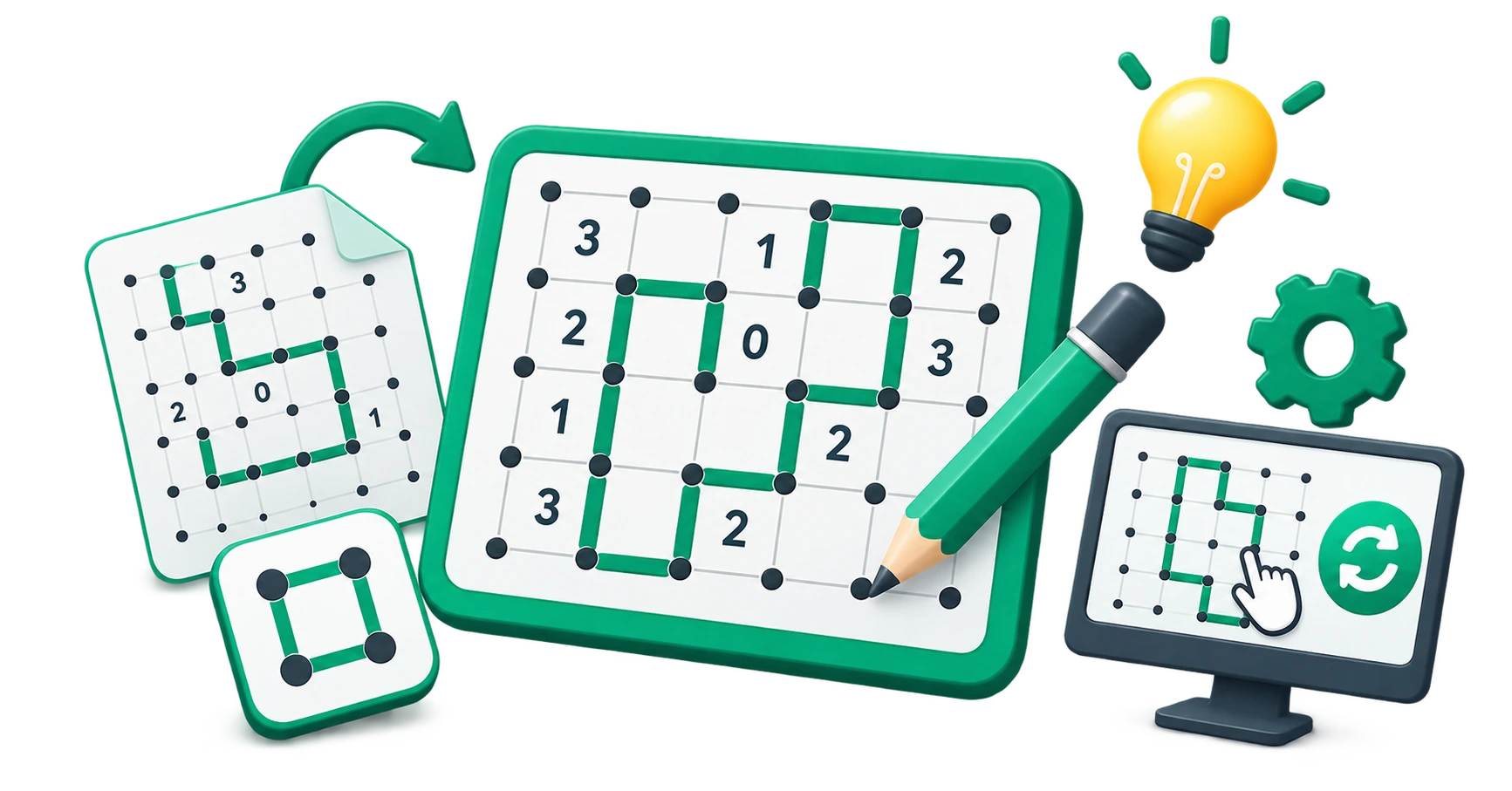
Slitherlink is a logic puzzle played on a grid of dots. Your goal is to draw a single closed loop (a path that starts and ends at the same point) along the edges between dots, guided by numbered clues inside the cells. The numbers tell you exactly how many of the four edges surrounding that cell must be part of the loop.
The puzzle was first published in 1989 by Nikoli, the Japanese puzzle company responsible for popularising Sudoku, Kakuro, and many other logic puzzle formats. Nikoli originally called the puzzle "Suriza" (スリザーリンク), which was transliterated as "Slitherlink" in English.
Alternative names
Slitherlink is known by several names depending on the publisher:
| Name | Publisher / Origin |
|---|---|
| Slitherlink | Nikoli (Japan), the original publisher |
| Fences | Used by many English-language puzzle books |
| Loop the Loop | Common name in UK puzzle magazines |
| Takegaki | Alternative Japanese name (meaning "bamboo fence") |
| Loopy | Used in Simon Tatham's Portable Puzzle Collection |
| Dotty Dilemma | Used by some casual puzzle apps |
All these names refer to the same puzzle with the same rules.
The rules of Slitherlink
The grid
A Slitherlink grid consists of a rectangular array of dots. The spaces between the dots form cells, and the edges between adjacent dots form the segments you can draw on. A standard Slitherlink puzzle uses a grid such as 5×5, 7×7, or 10×10 cells.
The clues
Some cells contain a number between 0 and 3. This number tells you exactly how many of the four edges of that cell are part of the loop:
- 0: None of the four edges is part of the loop
- 1: Exactly one of the four edges is part of the loop
- 2: Exactly two of the four edges are part of the loop
- 3: Exactly three of the four edges are part of the loop
Cells without a number can have any number of loop edges (0 through 4); they provide no direct information.
The loop constraint
The solution must form exactly one continuous closed loop. This means:
- Every dot on the loop must connect to exactly two edges (one coming in, one going out)
- The loop must have no branches or dead ends
- There must be no separate smaller loops; everything must connect into a single path
- Not every dot needs to be part of the loop
This single-loop constraint is the defining feature that makes Slitherlink fundamentally different from most other grid puzzles.
Grid sizes and difficulty
| Grid size | Cells | Typical solve time | Difficulty |
|---|---|---|---|
| 5×5 | 25 | 2–5 minutes | Beginner |
| 7×7 | 49 | 5–15 minutes | Easy–Medium |
| 10×10 | 100 | 15–30 minutes | Medium |
| 15×15 | 225 | 30–60 minutes | Hard |
| 20×20 | 400 | 60+ minutes | Expert |
Difficulty is also affected by the number of clues provided and their distribution across the grid.
Solving strategies: beginner to advanced
Strategy 1: Start with 0s and 3s
Cells with a 0 are the most immediately useful: all four surrounding edges must be excluded from the loop. Mark them with an × or visually exclude them.
Cells with a 3 are almost as useful: three of the four edges must be part of the loop, meaning only one edge is excluded. This heavily constrains the surrounding cells.
Strategy 2: Adjacent 3s
When two cells containing 3 share an edge, the shared edge must be part of the loop. Additionally, the two outer edges on either side of the shared edge (extending away from the pair) must also be part of the loop. This pattern immediately resolves six edges.
When a 3 is adjacent to a 0, the two edges of the 3-cell that face the 0-cell cannot be part of the loop. This means the other three edges of the 3-cell must be included, which immediately solves that cell.
Strategy 3: Corner and edge logic
A 3 in a corner cell of the grid has only three possible edges to use (the fourth edge would extend outside the grid). Since it needs exactly three, and only three exist, all three must be loop edges.
A 1 in a corner has only three possible edges. Since exactly one must be used, you know the two edges on the inside cannot both be used, or both be excluded in certain configurations, which constrains neighbouring cells.
Strategy 4: The two-in-a-row rule
At any dot, there can be zero or exactly two loop edges meeting. There can never be one or three. This means:
- If you determine that two edges meeting at a dot are part of the loop, all other edges at that dot must be excluded
- If you exclude all but two edges at a dot, those two remaining edges must be part of the loop
- If you exclude all but one edge at a dot, that remaining edge must also be excluded (because you cannot have a single dead-end edge)
Strategy 5: Loop closure avoidance
Since the solution must be a single closed loop, avoid closing it prematurely. If connecting two segments would create a closed loop that does not include all the already-drawn segments, that connection must be excluded.
This becomes increasingly important in the later stages of solving, when most of the loop is already drawn, and you need to ensure everything connects to a single path.
Strategy 6: Parity and region analysis
Advanced solvers use a parity argument: the loop divides the grid into an inside and an outside. Every row of cells must have an even number of vertical loop edges crossing through it (because the loop must exit after entering). This constraint can eliminate possibilities that other strategies miss.
How to generate custom Slitherlink puzzles?
The CampaignMorph Slitherlink Generator creates puzzles entirely in your browser:
- Choose a grid size: select from preset sizes or enter custom dimensions
- Set difficulty: easy, medium, or hard affects how many clue numbers appear and how complex the solving path is
- Generate: the tool creates a valid puzzle with a unique solution
- Customise: adjust colours for dots, lines, numbers, and background
- Show or hide the solution: toggle the solved loop for verification
- Export: download as PNG or SVG for printing, sharing, or embedding
The puzzle generation algorithm ensures every puzzle has exactly one valid solution, so you can confidently distribute them for classrooms, puzzle books, or personal use.
Use cases for Slitherlink puzzles.
Education and critical thinking
Slitherlink develops spatial reasoning and deductive logic. Unlike Sudoku, which is primarily numerical, Slitherlink requires visual-spatial thinking because you are constructing a geometric shape. This makes it valuable for geometry and logic curricula.
Puzzle books and printable worksheets
Puzzle book publishers use Slitherlink as a complement to Sudoku and crosswords. A book offering variety across multiple puzzle types (Slitherlink, Sudoku, Nonograms, Kakuro) has broader market appeal than a single-format book.
Brain training
Slitherlink engages different cognitive processes than number-based puzzles. The spatial reasoning required for loop construction and the need to consider global constraints (e.g., a single closed loop) provide a distinct mental workout.
Event and team activities
Slitherlink puzzles work well as individual or collaborative problem-solving activities at team offsites, workshops, or educational events. The visual nature of the solution (a closed loop) provides a satisfying sense of completion.
Tips for designing better Slitherlink puzzles
- Include a few 0s and 3s near the corners to give solvers reliable starting points.
- Avoid placing too many empty cells (cells without clues) in a cluster, as this can create regions where progress stalls.
- Test your puzzle by solving it yourself or using the generator's solution verification before distributing it.
- For beginners, use smaller grids (5×5 or 7×7) with more clue numbers. For advanced solvers, use larger grids with fewer clues.
Frequently asked questions
1. What is Slitherlink?
Slitherlink is a logic puzzle where you draw a single closed loop on a grid of dots, guided by numbered clues (0–3) that tell you how many edges around each cell are part of the loop.
2. Is Slitherlink the same as Fences?
Yes. Fences, Loop the Loop, Takegaki, and Loopy are all names for the same puzzle format originally published by Nikoli as Slitherlink.
3. Is Slitherlink harder than Sudoku?
Slitherlink requires a different type of thinking (spatial and geometric) compared to Sudoku (numerical and combinatorial). Many solvers find their first Slitherlink puzzle harder than their first Sudoku because the loop constraint is unfamiliar, but with practice the difficulty becomes comparable.
4. Can Slitherlink be solved without guessing?
Yes. A properly constructed Slitherlink puzzle with a unique solution can always be solved through logical deduction. The strategies above, particularly 0/3 analysis, adjacency rules, and dot-edge counting, are sufficient for all standard puzzles.
5. Where can I generate Slitherlink puzzles for free?
The CampaignMorph Slitherlink Generator is free, runs entirely in your browser, requires no sign-up, and exports puzzles as PNG or SVG.
Try the free Slitherlink generator.
The CampaignMorph Slitherlink Generator lets you create custom puzzles in seconds. Choose your grid size and difficulty, customise the design, and export for print or digital use; no account required.
For more puzzle tools, explore the Sudoku Generator, Nonogram Generator, Kakuro Generator, Crossword Generator, and Maze Generator.
Sources
- Nikoli Co., Ltd.; original publisher of Slitherlink (Puzzle Communication Nikoli, issue #26, 1989)
- Simon Tatham's Portable Puzzle Collection; open-source implementation reference for Slitherlink (known as "Loopy")
- Standard logic puzzle solving theory and deduction techniques
Share this article
Help other marketers, developers, and creators discover these insights.