Meta Tags Explained : Title, Description & OG
If you walked past a shop with no sign, no window display, and blocked-out glass, would you go in? Probably not. You wouldn't know what they sold, if they were open, or if they were even a legitimate business.
On the internet, your website is the shop. And meta tags are your signage.
Meta tags are snippets of code that tell search engines and social media platforms exactly what your page is about. They are the invisible text that determines how you appear in Google search results and Facebook feeds. Get them right, and you invite customers in. Get them wrong, and you're invisible.
In this guide, we'll break down the essential meta tags every marketer needs to know, how to write them perfectly, and how to generate them instantly without touching a line of code.
What Are Meta Tags?
Meta tags are snippets of HTML code that reside in the <head> section of your web page. Unlike the content in the<body>, meta tags are not visible to visitors browsing your site. They are meant purely for machines—search engine bots, social media scrapers, and browsers.
While they are invisible to the user on the page, they are highly visible in search results. The blue headline you click on Google? That's a meta tag. The description below it? That's a meta tag. The preview image you see when sharing a link on LinkedIn? Controlled by meta tags.
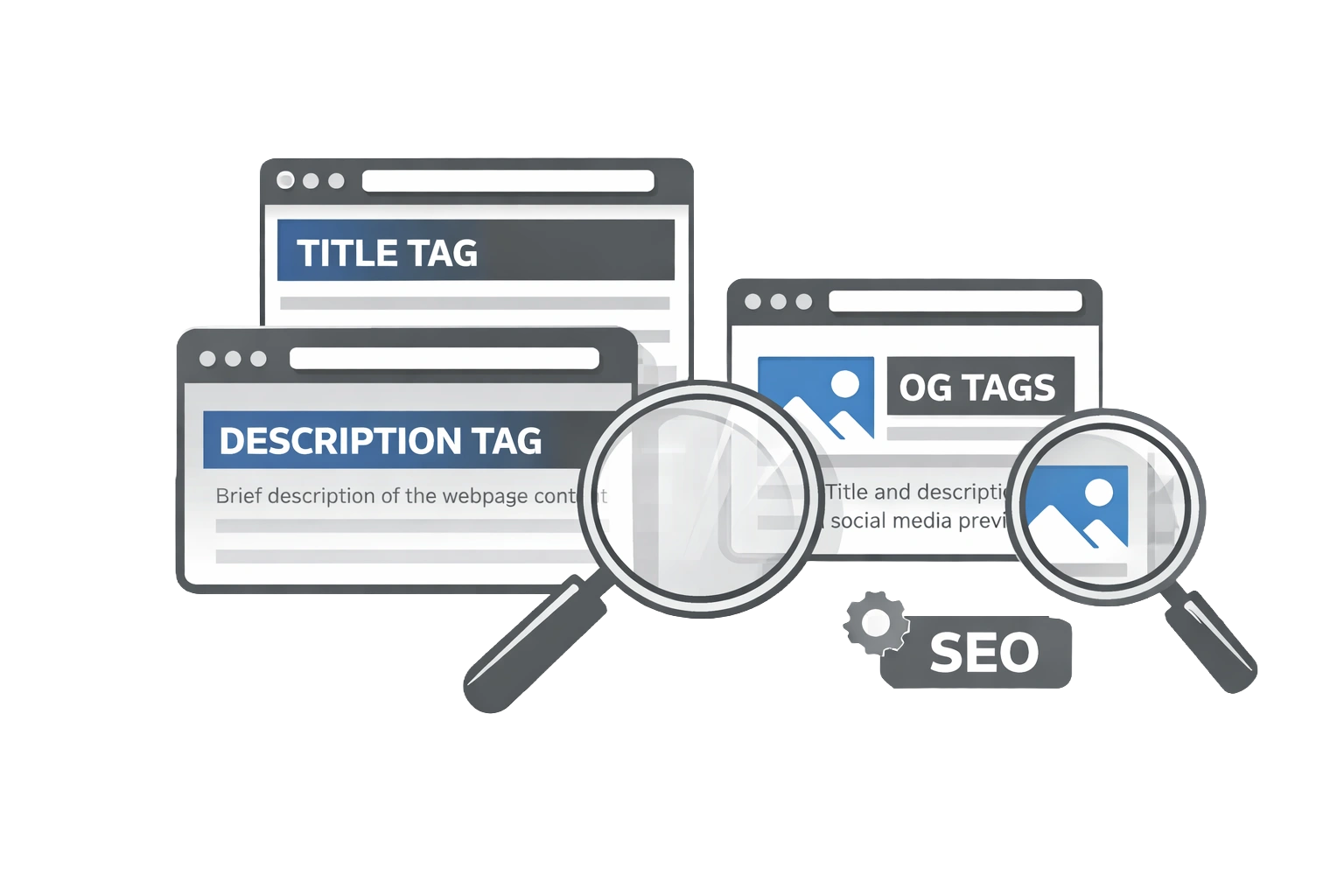
There are dozens of meta tags, but for SEO and marketing purposes, you only need to master a handful: Title, Description, Robots, Canonical, and Open Graph. For a complete list of on-page factors, see our On-Page SEO Checklist.
The Title Tag
The title tag is arguably the single most important on-page SEO element after your actual content. It tells Google the page's main topic and serves as the clickable headline in search results.
Optimal Length
Google typically displays the first 50–60 characters of a title tag. If yours is longer, it will be truncated with an ellipsis (...), which can cut off vital information or make your result look unprofessional.
The Winning Formula
A strong title tag follows a simple hierarchy:
Primary Keyword | Secondary Keyword or Modifier | Brand Name
For example, if you are selling running shoes:
- Weak: Home - ShoeStore
- Strong: Men's Running Shoes - Best Trail & Road Sneakers | ShoeStore
Google Rewrites
Be aware that Google sometimes rewrites title tags if it thinks your chosen title doesn't match the user's query or is keyword-stuffed. To prevent this, ensure your title accurately reflects the page content.
The Meta Description
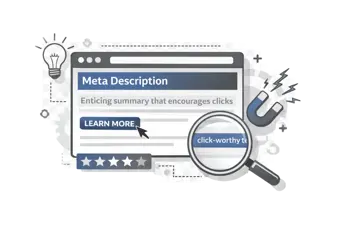
The meta description is the short paragraph of text that appears under the title tag in search results. While Google has stated that meta descriptions are not a direct ranking factor, they are critical for Click-Through Rate (CTR).
Think of the meta description as your ad copy. If your title tag grabs attention, the description persuades the user to click. A compelling description can significantly improve your organic traffic, even if your ranking position stays the same.
Keep your descriptions between 140 and 160 characters. Any longer, and they get cut off. Any shorter, and you're wasting valuable ad space.
**Example:******"Shop our latest collection of men's running shoes. Lightweight, durable, and designed for speed. Free shipping on orders over $50." For more tips, read our guide on How to Write Meta Descriptions.
The Meta Robots Tag
The meta robots tag gives search engine crawlers instructions on how to treat a specific page. It has two main values:
- Index/Noindex: Tells Google whether to show this page in search results.
- Follow/Nofollow: Tells Google whether to trust and follow the links on this page.
When to use "noindex": You should noindex pages that provide no value to searchers, such as "Thank You" pages after a form submission, admin login pages, or internal search result pages. This preserves your "crawl budget" for your high-value content.
Note: The meta robots tag works at the page level. This is different from robots.txt, which directs crawlers for the entire site.
The Canonical Tag
The canonical tag helps solve duplicate content issues. If you have a single page accessible via multiple URLs (e.g., example.com/shoes and example.com/shoes?sort=priceGoogle might see them as two different pages with identical content.
By adding a self-referencing canonical tag to the main version, you tell Google: "This is the original version. Ignore the others and pass all credit here." This consolidates your ranking power.
Open Graph Meta Tags
Open Graph (OG) tags were introduced by Facebook to control how URLs are displayed when shared on social media. Without them, Facebook and LinkedIn will guess which image and text to show, often picking a random icon or footer text. See our Open Graph Tags Social SEO Guide for a deep dive.
Essential OG tags include:
- og:title: The headline for the social post.
- og:description: A brief summary (similar to meta description).
- og:image: The most critical tag. The recommended size is 1200 x 630 pixels.
- og:url: The canonical URL of the page.
Twitter Card Meta Tags
Twitter (now X) uses its own version of social tags called "Twitter Cards." While X will fall back to Open Graph tags if Twitter Cards are missing, it's best practice to include them for full control.
The most common type is twitter:card set to "summary_large_image," which displays a large, full-width preview image that significantly boosts engagement.
How to Generate All Meta Tags for Free?
You don't need to write HTML manually to get perfect meta tags. You can use the CampaignMorph Meta Tag Generator to build them instantly.
Simply enter your page title, description, and keywords. Upload your social image URL, and the tool will generate the complete, clean HTML code for Title, Description, Robots, Open Graph, and Twitter Cards. Copy, paste, and you're done.
Generate Perfect SEO Tags in Seconds
Create Title, Description, and OG tags without writing code.
Frequently Asked Questions
1. Do meta tags affect SEO rankings?
The Title Tag is a major direct ranking factor. The Meta Description is not a direct factor, but it affects Click-Through Rate (CTR), which is a crucial user engagement signal. Open Graph tags do not directly affect Google search rankings but do drive social traffic.
2. What is the ideal title tag length?
Ideally, keep your title tag between 50 and 60 characters. Google measures by pixel width (approx 600px), so wider letters take up more space. If you go over, Google will truncate your title with an ellipsis (...).
3. Does Google still use meta keywords?
No. Google officially stopped using the "meta keywords" tag for ranking over a decade ago due to spam. Bing may use them as a spam signal. It is best practice to ignore the meta keywords tag entirely in 2026.
4. What happens if I don't add a meta description?
If you don't provide a meta description, Google will automatically generate one by pulling snippets of text from your page content that match the user's search query. It is often less persuasive than a custom-written description.
5. How do I check my meta tags?
You can view the source code of your page (Right Click > View Page Source) and look for the <meta> tags in the head section. Alternatively, use SEO browser extensions or the CampaignMorph Meta Tag Generator to preview them.
6. Can Google change my title tag?
Yes. If Google deems your title tag irrelevant, keyword-stuffed, or too generic (like "Home"), it may rewrite it in the search results to better match the user's intent.
Meta tags are the unsung heroes of technical SEO. They control your first impression on both search engines and social media. By taking the time to craft unique, keyword-rich titles and compelling descriptions for every page, you give your content the best possible chance of being clicked. Don't leave it to chance; generate your tags properly and watch your CTR climb.
Ready to fix your tags? Start with our free generator.
Share this article
Help other marketers, developers, and creators discover these insights.