Free Maze Generator: Create Printable Mazes for Classrooms & Parties
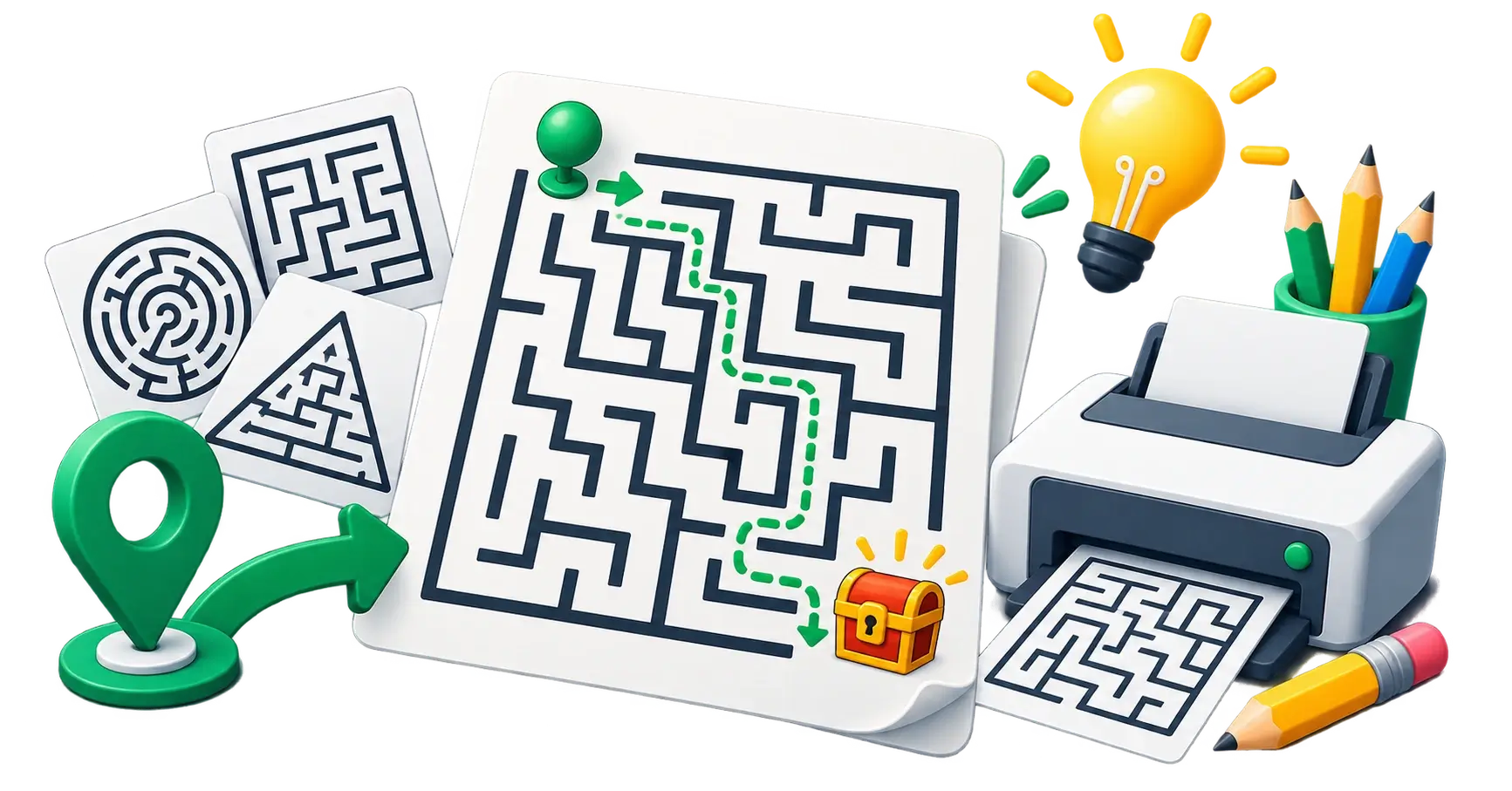
Why create your own mazes?
Whether you are a teacher looking for an engaging Friday afternoon activity, a parent preparing for a child's birthday party, or a marketer designing a fun insert for a product package, printable activities are highly engaging.
However, finding the right maze online is often frustrating. Free ones are covered in watermarks or heavy ads, the wrong difficulty level, or low-resolution images that don't print clearly.
Creating your own mazes lets you control the exact difficulty, size, and design, ensuring a clean, high-resolution printable every time.
How does the free Maze Generator work?
The CampaignMorph Maze Generator is a lightweight, browser-based tool that uses algorithms to generate unique, solvable mazes instantly. Because it generates mathematically on your device, you can create infinite variations without hitting a server limit or seeing a loading screen.
Step 1: Choose the grid size (Difficulty)
A maze's difficulty is mainly determined by its grid size.
- Easy (Small Grid): Best for young children (ages 4-6). Try a 10x10 or 15x15 grid.
- Medium: Perfect for elementary school classrooms. Try a 25x25 grid.
- Hard (Large Grid): For older students or adults looking for a challenge. Try a 50x50 or larger grid.
Step 2: Customise the design
You can adjust the maze's visual style to match your theme.
- Wall and Path Colours: Change the colours from standard black-and-white to match a party theme (e.g., orange and black for Halloween). Use our Colour Palette Extractor if you need to match specific brand colours.
- Wall Thickness: Thicker walls are better for younger kids using crayons; thinner walls allow for more complex designs on a single page.
Step 3: Generate and download
Click the generate button to create a unique maze. If you don't like the layout, click it again—it will generate a completely new puzzle every time.
Once you are happy, download the maze as a high-resolution PNG file. Because it is generated mathematically, the lines will be perfectly crisp when printed, unlike compressed JPEGs found on image search engines.
Creative uses for custom mazes
1. Classroom activities and worksheets
Teachers use the generator to create quick "do-now" activities or filler worksheets for students who finish their main assignments early. Because you can generate infinite variations, you can print a different maze for every student, eliminating the temptation to peek at a neighbour's paper.
2. Birthday parties and event placemats
Instead of buying generic activity books, generate custom mazes that match your event's colour scheme. Add them to the back of a restaurant menu, or use them as placemats to keep kids entertained during a party.
3. Marketing collateral and packaging
Include a small, branded maze on the back of a product box or a direct mail flyer. Interactive elements significantly increase how long a customer spends looking at your marketing materials.
Related puzzle tools
If you are building a full activity book or a suite of educational worksheets, pair your mazes with other logic puzzles. We offer dedicated guides and tools for:
- Sudoku Puzzles: Create classic number logic grids.
- Nonogram Puzzles: Picture logic puzzles (also known as Picross or Griddlers).
- Slitherlink Puzzles: A loop-forming logic game perfect for math classrooms.
- Crossword Puzzle Maker: Build custom word puzzles using your own vocabulary lists.
Share this article
Help other marketers, developers, and creators discover these insights.